🛑XBOX GAME PASS ULTIMATE🔥1-3 MONTHS🔥EUROPE🔑(KEY)
Content: text (16 symbols)
Available: 0
Uploaded: 27.09.2024
Positive responses: 0
Negative responses: 0
Sold: 2
Refunds: 0
Seller: Робин Гуд ШОП
information about the seller and its items
Loyalty discount! If the total amount of your purchases from the seller more than:
| $25 | the discount is | 1% |
| $75 | the discount is | 2% |
| $150 | the discount is | 3% |
~ $31.7
The exact amount is on the payment page
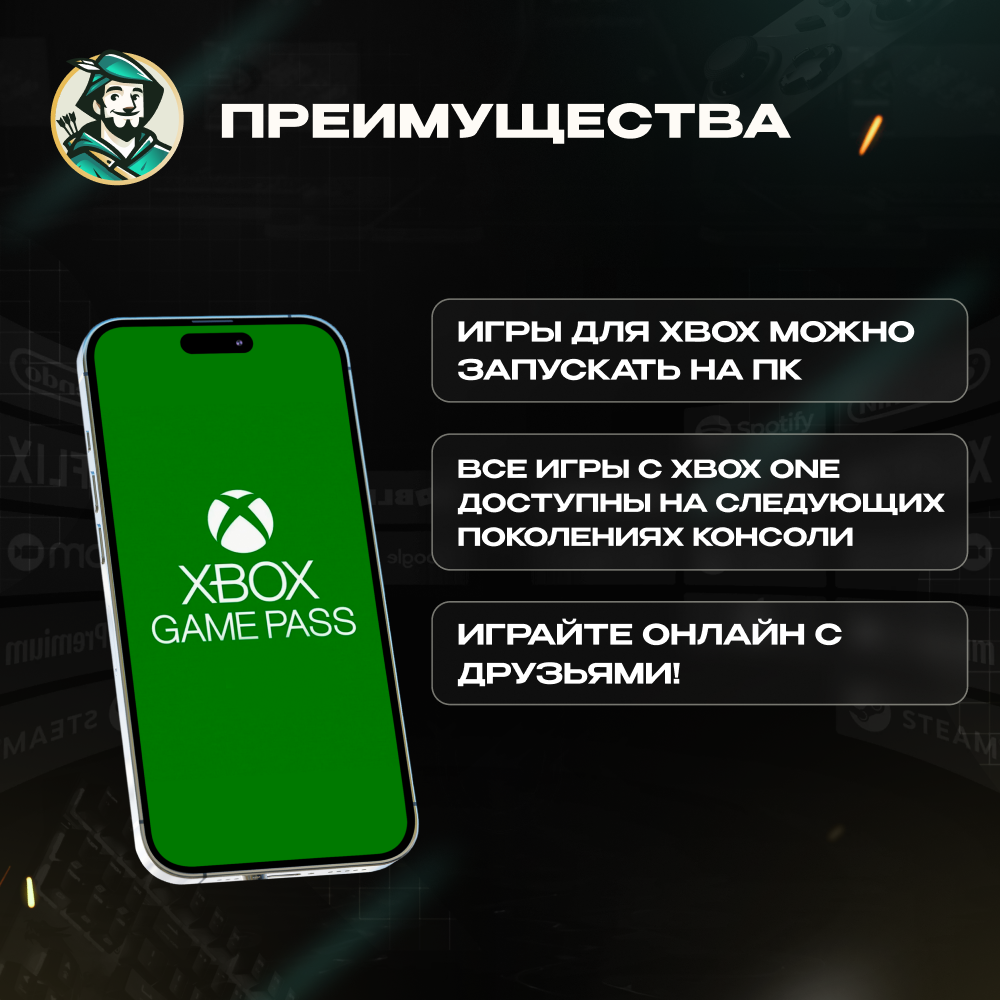
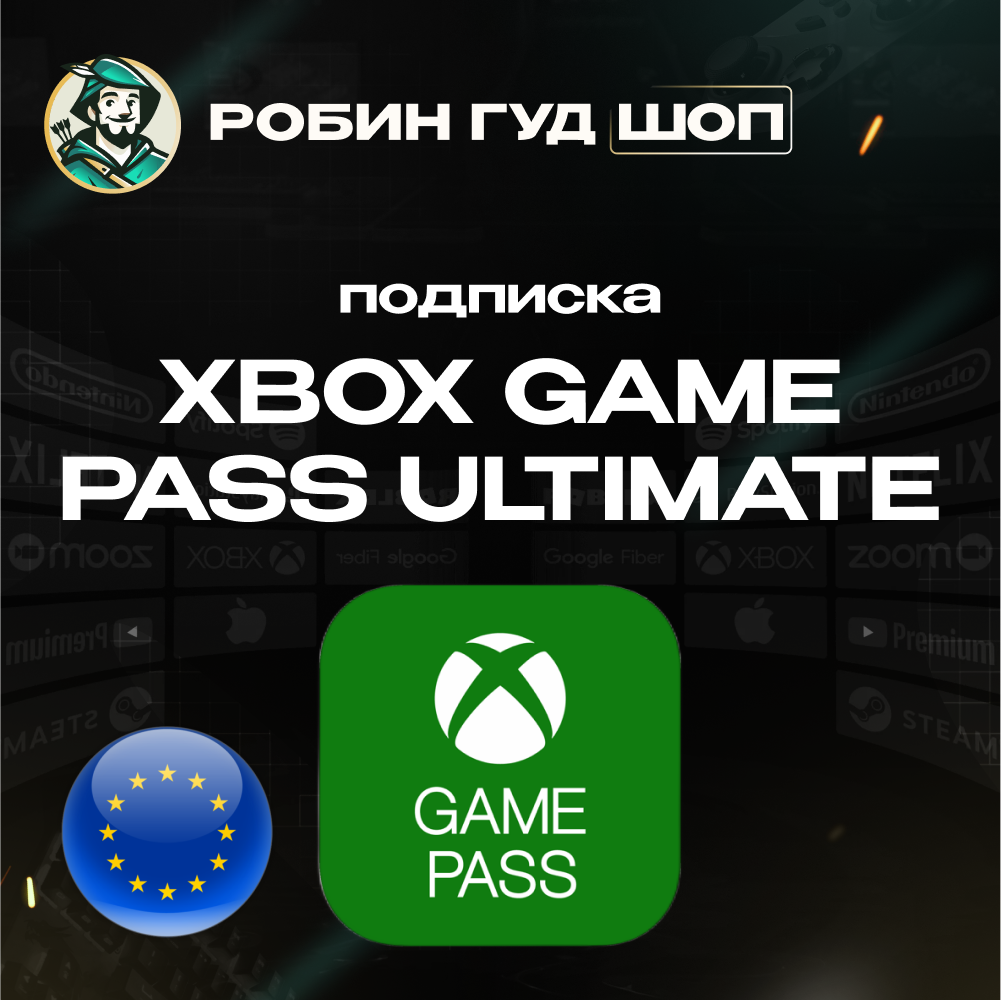
🎮🟢 This is the XBOX GAME PASS ULTIMATE activation key, which you will receive immediately after payment to your email. Available only for accounts with the EUROPE region⚡️Instant
❗️The subscription can be activated and used in Russia. To do this, create a new Microsoft account with the Europe region before activation. (After activation, you can change the region back to any other, including Russia).
❌ Microsoft has changed its activation policy, and codes may not work on old accounts, even when using an IP-changing tool.
😊 Solution: To ensure activation, we recommend creating a new account while connected through an IP-changing tool or proxy (Europe) and selecting Europe as the region during registration. On such an account, activation works without issues!
⚠️ Important: Your account must NOT have an active subscription.
Who are we? Robin Hood SHOP is your reliable guide to the world of your favorite services and subscriptions!🏹
✅ On the site since 2010
✅ 0% commission when paying via SBP
✅ Performance guarantee. All codes are purchased from official suppliers
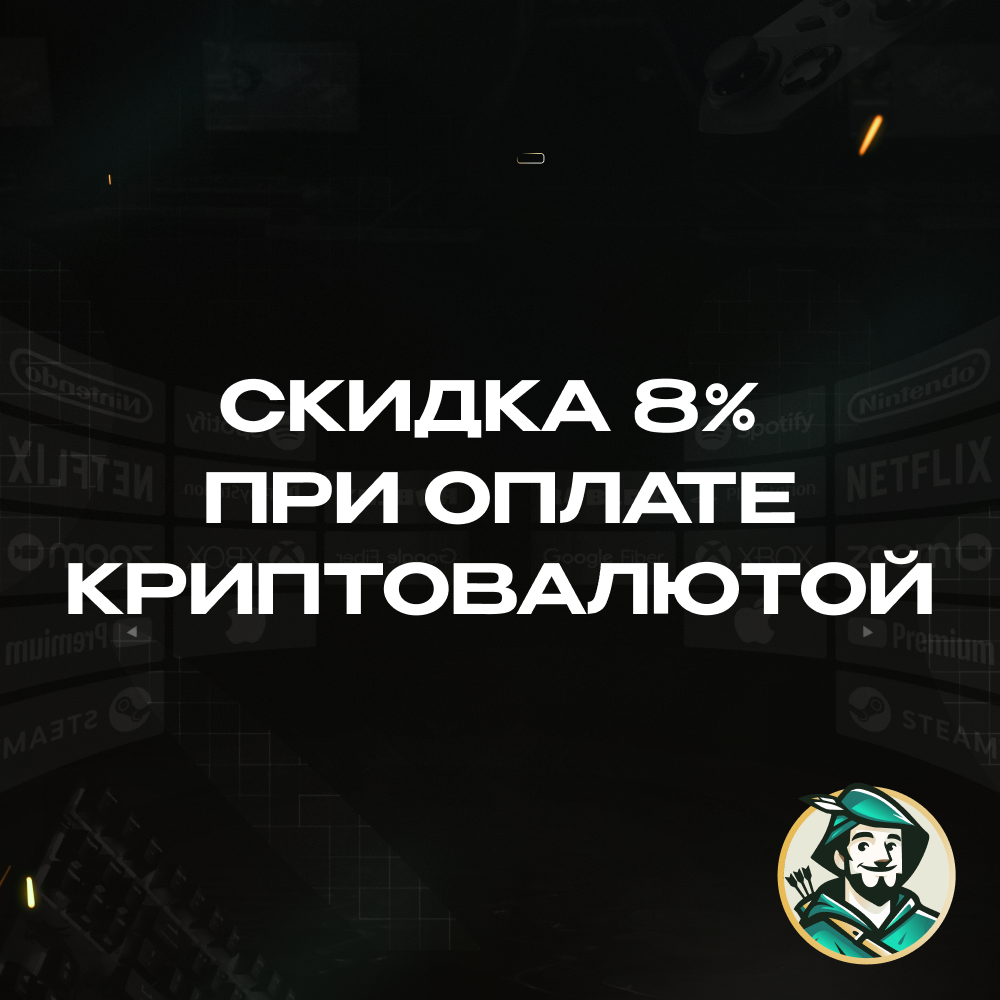
✅ 8% discount when paying with cryptocurrency🎮Xbox Game Pass Ultimate is a universal subscription from Microsoft that provides access to a wide range of games and additional features for Xbox and PC users. The subscription combines several services in one package, providing convenience and savings.
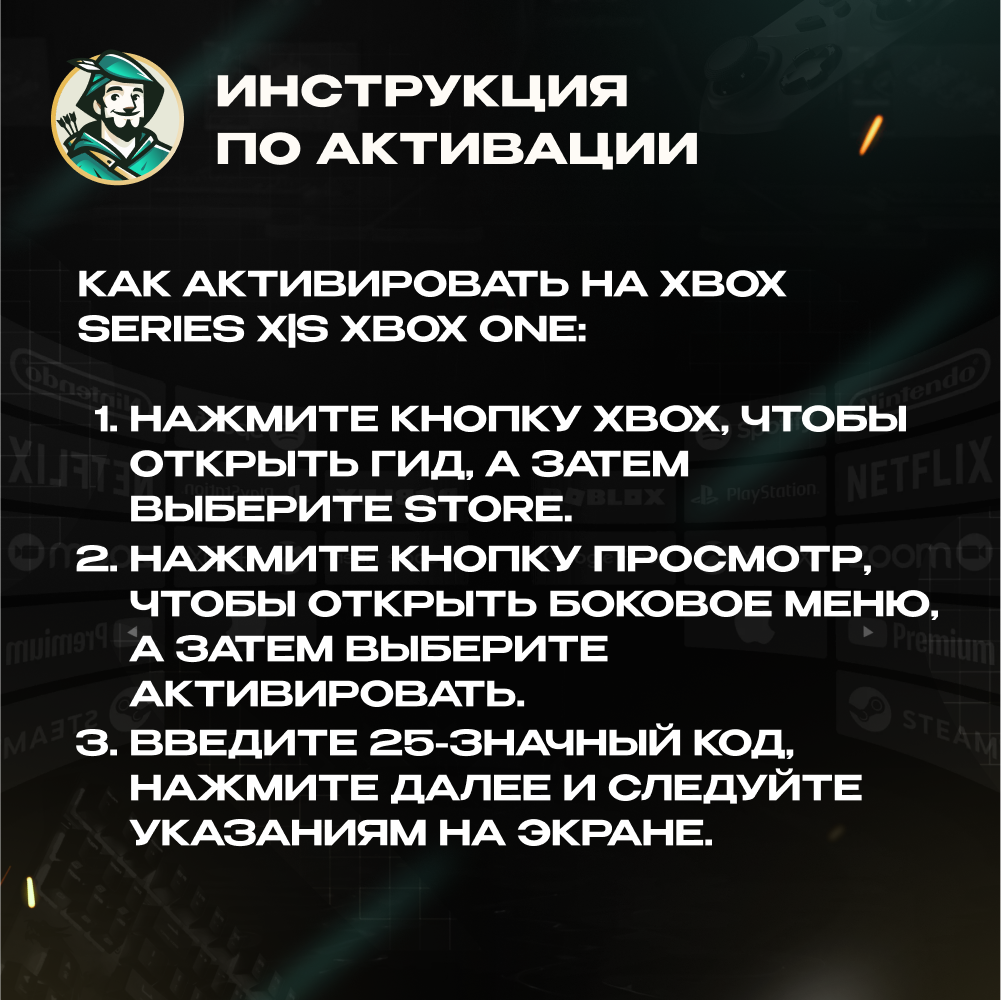
How to activate the code on Xbox Series X|S and Xbox One:
🎮 1. Log in to your Xbox account.
🛍 2. On the home screen, select and open the Store app.
👈 3. In the Store app, move the cursor to the left or click the View button on the controller to open the side menu.
🔑 4. In this menu, select "Use Code" (Redeem).
🔢 5. Enter the 25-digit code and follow the prompts on the screen.
How to activate the code via a web browser:
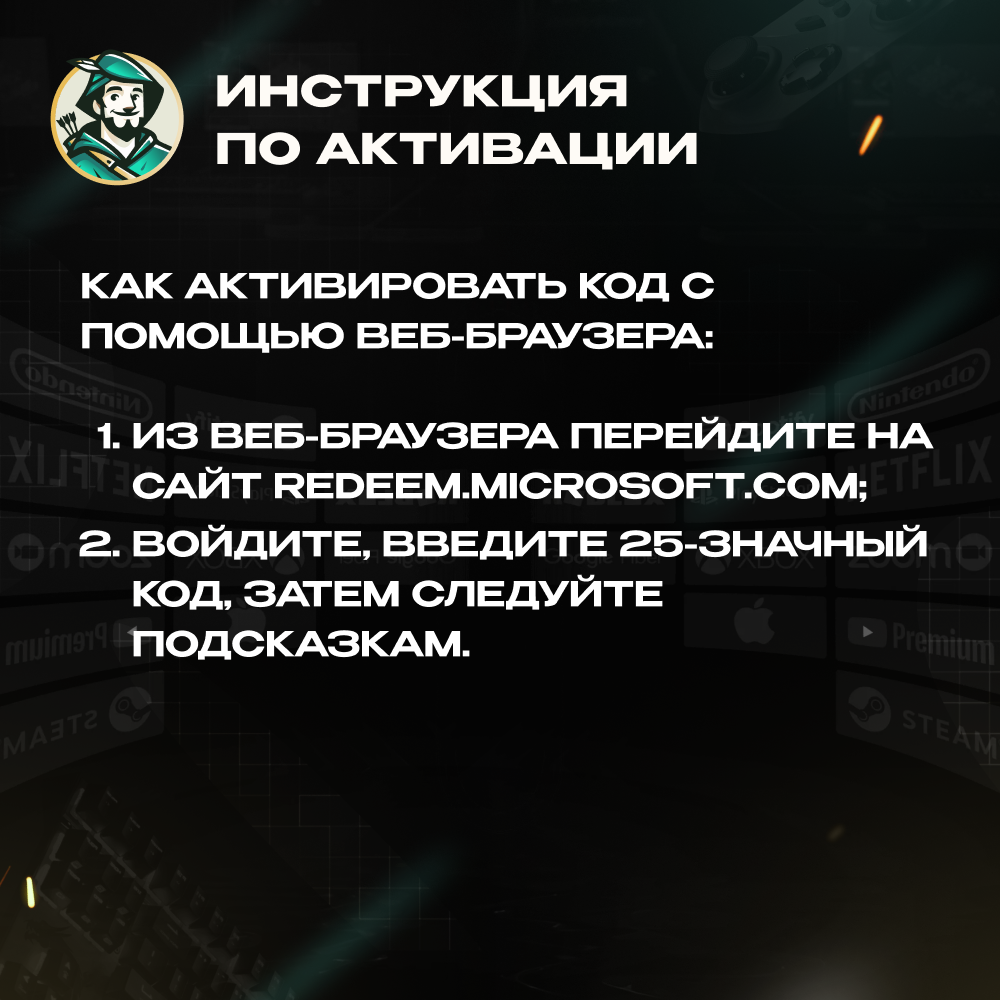
🌐 1. Open a web browser and go to the website redeem.microsoft.com .
👤 2. Log in to your account, enter the 25-digit code and follow the instructions.
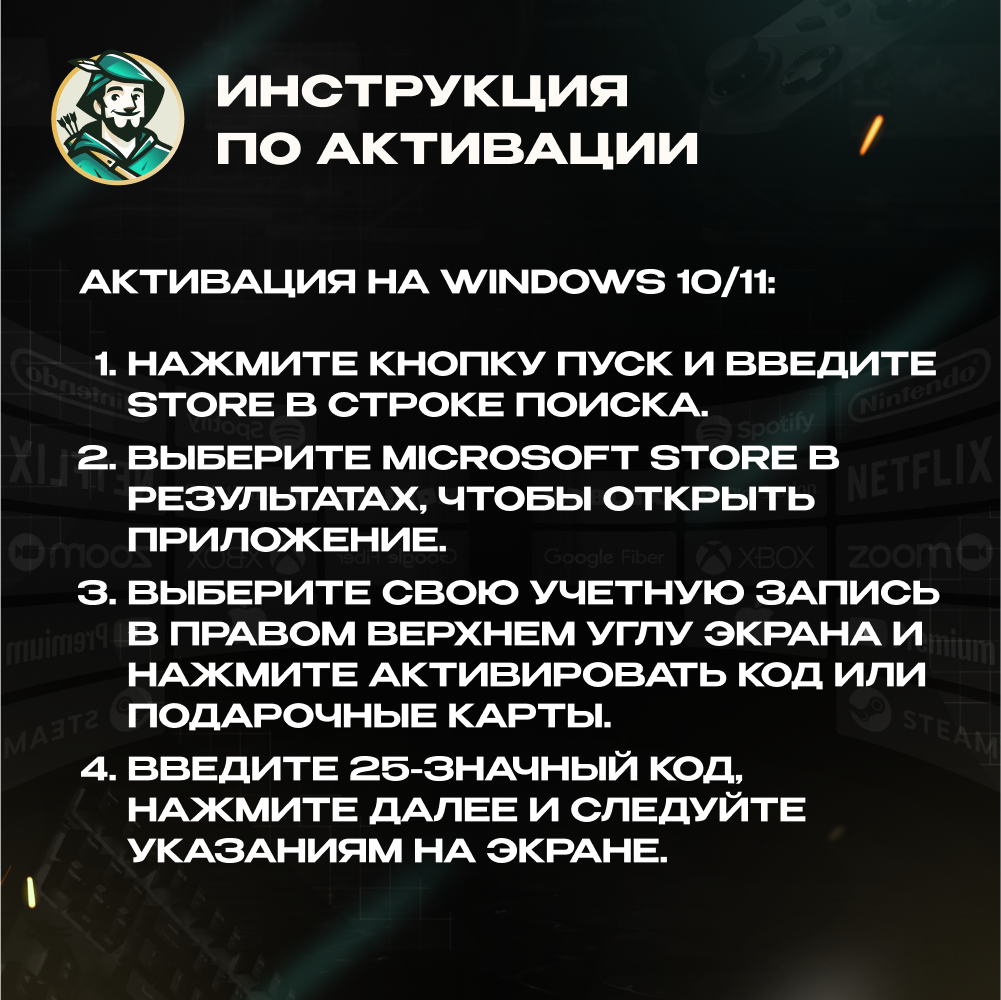
How to activate the code on Windows 10/11:
💻 1. Log in to your account on your Windows device.
🖱 2. Click the Start button, type "store" and select Microsoft Store.
➕ 3. Click "Advanced ..." > "Use code".
🔢 4. Enter the 25-digit code and follow the prompts on the screen.
❗️The subscription can be activated and used in Russia. To do this, create a new Microsoft account with the Europe region before activation. (After activation, you can change the region back to any other, including Russia).
❌ Microsoft has changed its activation policy, and codes may not work on old accounts, even when using an IP-changing tool.
😊 Solution: To ensure activation, we recommend creating a new account while connected through an IP-changing tool or proxy (Europe) and selecting Europe as the region during registration. On such an account, activation works without issues!
⚠️ Important: Your account must NOT have an active subscription.
Who are we? Robin Hood SHOP is your reliable guide to the world of your favorite services and subscriptions!🏹
✅ On the site since 2010
✅ 0% commission when paying via SBP
✅ Performance guarantee. All codes are purchased from official suppliers
✅ 8% discount when paying with cryptocurrency🎮Xbox Game Pass Ultimate is a universal subscription from Microsoft that provides access to a wide range of games and additional features for Xbox and PC users. The subscription combines several services in one package, providing convenience and savings.
🚀 WHAT WILL YOU RECEIVE?
🔸More than 100+ games for console and PC, including new releases from Xbox Game Studios on release day.
🔸Includes access to Xbox Live Gold, which allows you to play multiplayer games, as well as receive free games every month.
🔸The ability to play games via the cloud on mobile devices and tablets using Xbox Cloud Gaming.
Paying for a subscription will be cheaper than buying several games at once.
,And much more!
📜 ACTIVATION INSTRUCTIONS:🔸More than 100+ games for console and PC, including new releases from Xbox Game Studios on release day.
🔸Includes access to Xbox Live Gold, which allows you to play multiplayer games, as well as receive free games every month.
🔸The ability to play games via the cloud on mobile devices and tablets using Xbox Cloud Gaming.
Paying for a subscription will be cheaper than buying several games at once.
,And much more!
How to activate the code on Xbox Series X|S and Xbox One:
🎮 1. Log in to your Xbox account.
🛍 2. On the home screen, select and open the Store app.
👈 3. In the Store app, move the cursor to the left or click the View button on the controller to open the side menu.
🔑 4. In this menu, select "Use Code" (Redeem).
🔢 5. Enter the 25-digit code and follow the prompts on the screen.
How to activate the code via a web browser:
🌐 1. Open a web browser and go to the website redeem.microsoft.com .
👤 2. Log in to your account, enter the 25-digit code and follow the instructions.
How to activate the code on Windows 10/11:
💻 1. Log in to your account on your Windows device.
🖱 2. Click the Start button, type "store" and select Microsoft Store.
➕ 3. Click "Advanced ..." > "Use code".
🔢 4. Enter the 25-digit code and follow the prompts on the screen.
🔥 BUYERS´ CHOICE:
💳 Card for paying for international services — $5–$1,000
https://e-market.su /5845651
🍎 Apple iTunes Turkey — 10–1,500 TRY
https://e-market.su/item/4366927
🤖 ChatGPT Payment — Plus/Pro
https://e-market.su /5165856
🎮 Steam Russia Top-Up — $5–$1,000
https://e-market.su/item/4773693
🛒 Google Play USA — $5–$1,000
https://e-market.su/item/4394221
💳 Card for paying for international services — $5–$1,000
https://e-market.su /5845651
🍎 Apple iTunes Turkey — 10–1,500 TRY
https://e-market.su/item/4366927
🤖 ChatGPT Payment — Plus/Pro
https://e-market.su /5165856
🎮 Steam Russia Top-Up — $5–$1,000
https://e-market.su/item/4773693
🛒 Google Play USA — $5–$1,000
https://e-market.su/item/4394221
5.0 ⭐️ seller rating · Product guarantee
🔎 CAN´T FIND WHAT YOU´RE LOOKING FOR?
Full Robin Hood SHOP catalog — even more games, subscriptions, gift cards, and digital services:
https://e-market.su/seller/141019
Full Robin Hood SHOP catalog — even more games, subscriptions, gift cards, and digital services:
https://e-market.su/seller/141019
🙌🏻 SUPPORT (MSK): Mon–Sun, 10:00 AM–7:00 PM
No feedback yet