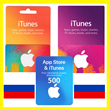
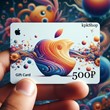
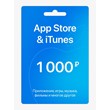
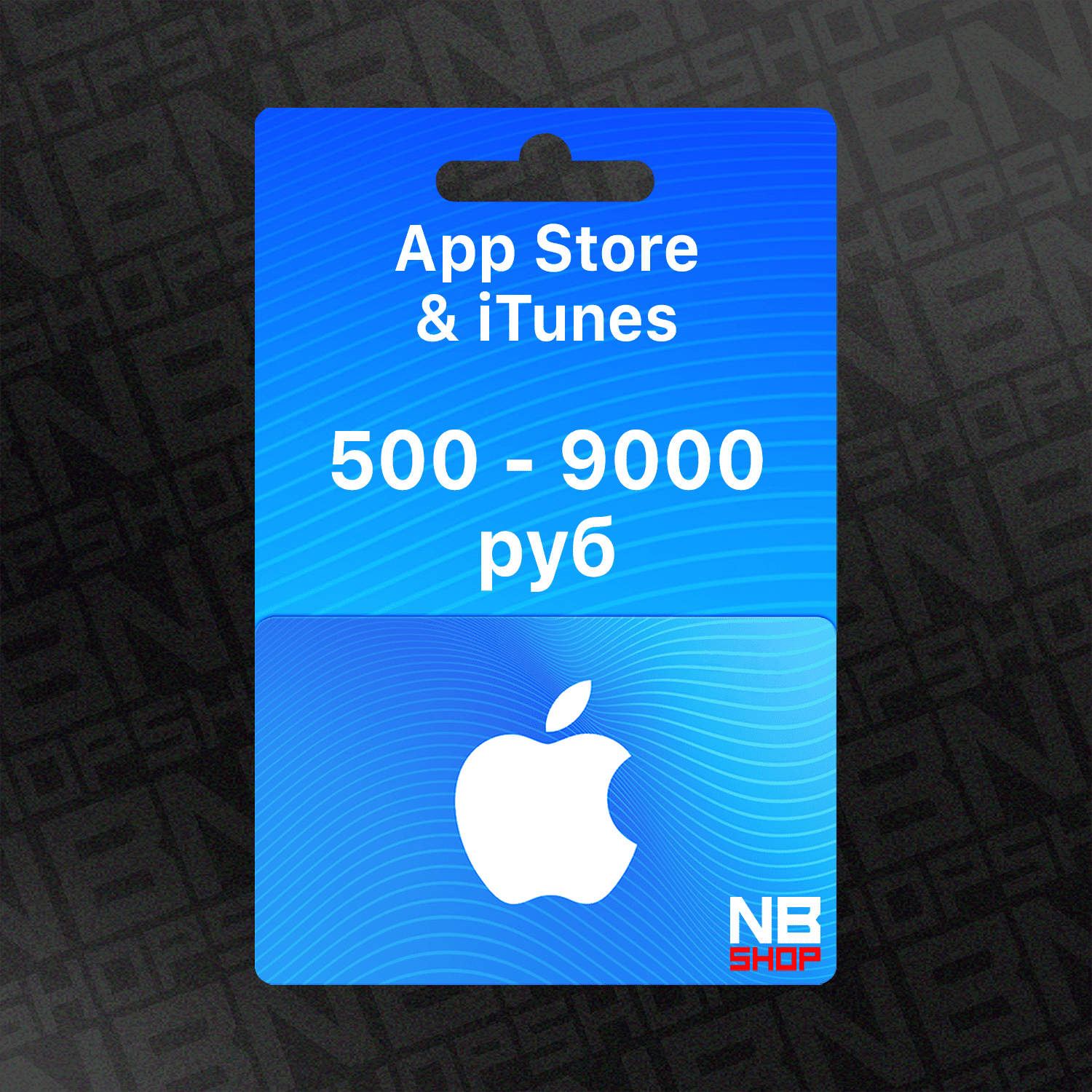
Apple iTunes / AppStore Gift Card RU 500 - 9000 rubles AUTO 24/7
Content: text (0 symbol)
Available: 136
Uploaded: 13.07.2026
Positive responses: 212
Negative responses: 2
Sold: 5912
Refunds: 0
~ $10.46
The exact amount is on the payment page

‼️ 0% COMMISSION‼️
‼️ When paying, select the first payment methods ‼️
‼️ When paying, select the first payment methods ‼️
Hello! Welcome to NBShop 🌟
Where you´ll find:
✅ Best prices
✅ Commission-free purchases
✅ Instant
✅ Fast and responsive support
If you have any questions, don´t hesitate to contact us in the chat; I´m always happy to help!
Have a great day and happy shopping.
Where you´ll find:
✅ Best prices
✅ Commission-free purchases
✅ Instant
✅ Fast and responsive support
If you have any questions, don´t hesitate to contact us in the chat; I´m always happy to help!
Have a great day and happy shopping.
🎁 Apple Gift Cards / App Store & iTunes (Russia)
Top up your Apple ID balance in rubles using official Apple gift cards.
Use the funds for purchases in the App Store, iTunes, Apple TV, Apple Books, as well as for iCloud+ and Apple subscriptions.
💳 What you can buy:
• Apps and games
• Music, movies, books
• In-game purchases
• Apple subscriptions (Music, TV+, Arcade, iCloud+, etc.)
⚠️ Important:
• Only works for accounts in the Russian Federation
• Balance is credited instantly
• Digital code, delivered immediately after purchase
Top up your Apple ID balance in rubles using official Apple gift cards.
Use the funds for purchases in the App Store, iTunes, Apple TV, Apple Books, as well as for iCloud+ and Apple subscriptions.
💳 What you can buy:
• Apps and games
• Music, movies, books
• In-game purchases
• Apple subscriptions (Music, TV+, Arcade, iCloud+, etc.)
⚠️ Important:
• Only works for accounts in the Russian Federation
• Balance is credited instantly
• Digital code, delivered immediately after purchase
⚠️ Note:
🔴 Codes were received from official sources and could not have been activated previously.
🔴 If you are unsure, record a video of the payment.
🔴 Claims without a full video recording will not be considered.
🔴 Codes were received from official sources and could not have been activated previously.
🔴 If you are unsure, record a video of the payment.
🔴 Claims without a full video recording will not be considered.
📝 After your purchase, please leave a positive review. This is very IMPORTANT to us. 📝
🍏 Activating the card on iPhone:
1. Open the App Store app.
2. Tap your photo at the top of the screen.
3. Tap "Redeem Gift Card or Code." (If you don´t see the "Redeem Gift Card or Code" option, sign in to your Apple account.)
4. Select "Enter Code Manually."
5. Enter the code, then tap "Redeem."
6. Congratulations! Your Apple ID balance has been replenished.
Activate your card using this link:
https://apps.apple.com/redeem/
📲 Activation on Android:
❗ Gift cards (balance) cannot be redeemed in the Apple Music app on Android.
Only subscription codes can be redeemed there.
🪄 How to activate:
Choose any of the following methods:
🍏 Via iPhone / iPad / Mac (App Store → Redeem Code)
💻 Via PC (Apple Music app or Apple TV)
🌐 Via Apple´s website: https://apps.apple.com/redeem/
After activation, your balance will appear on your Apple ID
and can be used to pay for Apple Music and other services.
1. Open the App Store app.
2. Tap your photo at the top of the screen.
3. Tap "Redeem Gift Card or Code." (If you don´t see the "Redeem Gift Card or Code" option, sign in to your Apple account.)
4. Select "Enter Code Manually."
5. Enter the code, then tap "Redeem."
6. Congratulations! Your Apple ID balance has been replenished.
Activate your card using this link:
https://apps.apple.com/redeem/
📲 Activation on Android:
❗ Gift cards (balance) cannot be redeemed in the Apple Music app on Android.
Only subscription codes can be redeemed there.
🪄 How to activate:
Choose any of the following methods:
🍏 Via iPhone / iPad / Mac (App Store → Redeem Code)
💻 Via PC (Apple Music app or Apple TV)
🌐 Via Apple´s website: https://apps.apple.com/redeem/
After activation, your balance will appear on your Apple ID
and can be used to pay for Apple Music and other services.
26.09.2026 22:14:13
всё гуд, код сразу бабки сразу))
26.09.2026 21:22:03
Все сработало
25.09.2026 11:25:31
отличный продавец. возникли трудности из-за своей же тупости. помог мгновенно разобраться.
25.09.2026 11:00:24
все супер
21.09.2026 0:05:44
все получилось, выдача моментальная
20.09.2026 22:58:07
все получилось за пару минут
14.09.2026 14:12:06
Код пришел сразу) активизоровала его моментально, оплатила нужную подписку! Спасибо! Рекомендую продавца ⚡️
12.09.2026 21:26:43
Могёте
Умеете
Чётко
Умеете
Чётко
12.09.2026 16:26:01
Промокод пришел мгновенно. Применился через Itunes, активация через Apple TV и/или Apple Music оказалась невозможной. Деньги на баланс зачислились сразу.
12.09.2026 9:35:47
Моментально, всё работает.