✅ Minecraft Legends (PC)🔑✅ for PC on Microsoft Store.✅
Content: code_086.txt (29 B)
Available: 7
Uploaded: 14.07.2026
Positive responses: 48
Negative responses: 0
Sold: 1000
Refunds: 8
Seller: Gaming Shop
information about the seller and its items
Loyalty discount! If the total amount of your purchases from the seller more than:
| $50 | the discount is | 1% |
| $100 | the discount is | 2% |
| $150 | the discount is | 3% |
~ $1.28
The exact amount is on the payment page
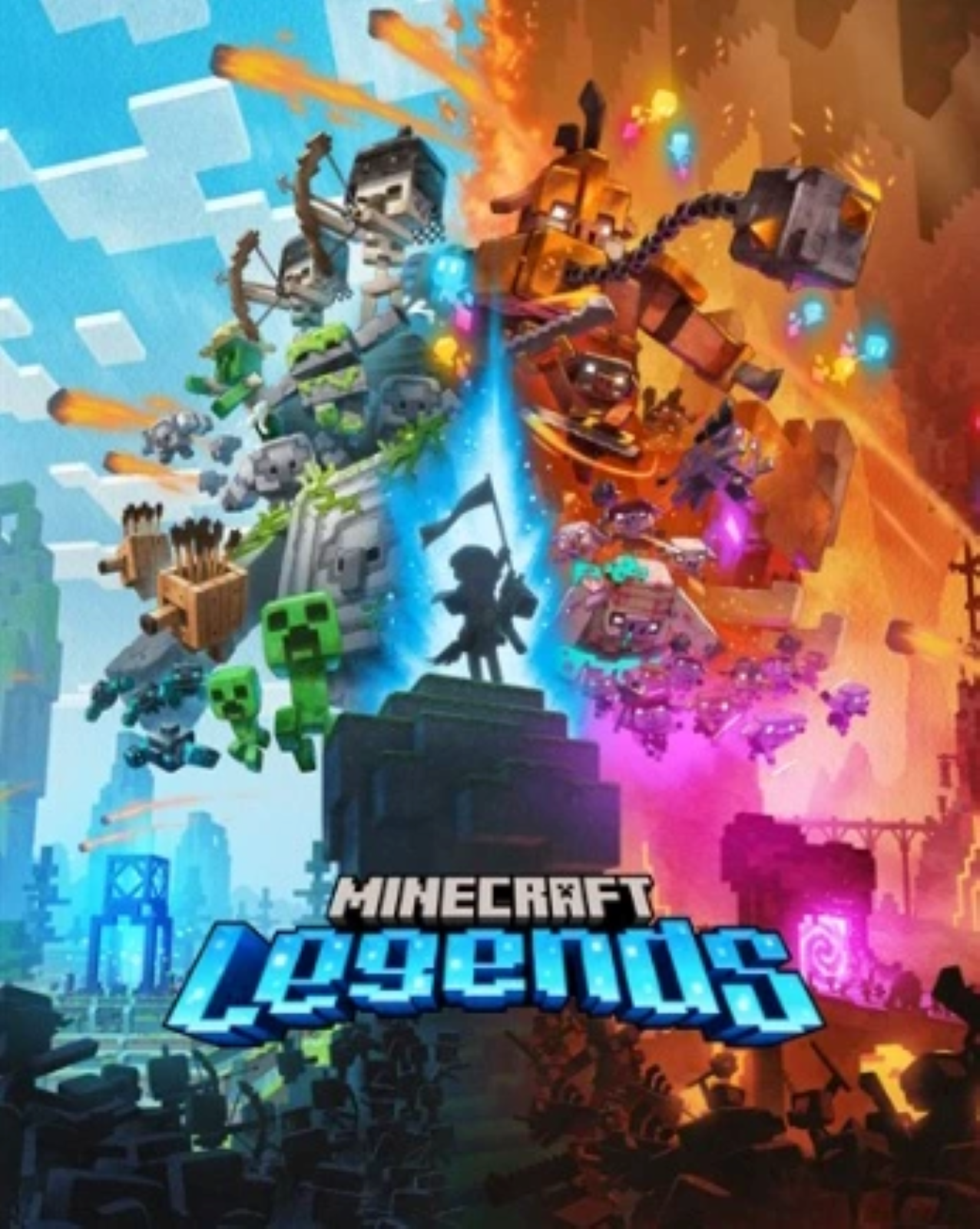
🎮Special conditions for Minecraft Legends (PC)⚫🔑 for PC on Microsoft Store.
To access the game, open your Windows 10 or 11 device and search for "Microsoft Store"
Make sure you are signed into the Microsoft Store with the account you want to play Minecraft Legends (PC)⚫🔑 for PC on Microsoft Store with, then click the "Account" button in the upper right corner, next to the search bar.
A menu will open with the option to "redeem a code or gift card".
Select this option, enter the 25-character code, and click Next to link the content to your account.
From a Microsoft account:
Redeem the code in your Microsoft account here.
To access the game, open your Windows 10 or 11 device and search for "Microsoft Store"
Make sure you are signed into the Microsoft Store with the account you want to play Minecraft Legends (PC)⚫🔑 for PC on Microsoft Store with, then click the "Account" button in the upper right corner, next to the search bar.
A menu will open with the option to "redeem a code or gift card".
Select this option, enter the 25-character code, and click Next to link the content to your account.
From a Microsoft account:
Redeem the code in your Microsoft account here.
⚠️ All our products are checked before sale. The chance that you will get an invalid or used product is extremely small, but recently there have been more cases of fraud on the part of buyers, so we ask all our buyers to record a video from the moment of purchase until the moment of activation of our product. The video should not contain any splices, cuts, or interruptions. Videos are your GUARANTEES!
27.08.2026 23:26:06
Ключ на minecraft legends сработал с 1 раза.
Честный продавец, без обмана
Честный продавец, без обмана
18.08.2026 21:27:39
ох как же я намучалась с этим впн США но благо активировала это был полный пипец...
15.08.2026 16:02:48
10 \ 10
02.08.2026 9:05:02
Смена региона и пнв США помогли, спасибо
09.07.2026 22:32:04
В общем, покупал Minecraft Legends (если не видно) и столкнулся с проблемой что ни майк ни xbox не хотят активировать ключ. Я по итогу СМОГ его активировать включив ВПН. если есть проблема, попробуйте впн, тк я немного обосрал штаны
28.06.2026 16:18:59
Активировал с впном, без него не работает
22.06.2026 13:50:58
Всё отлично, только была небольшая проблема с активацией, но получилось с помощью впна и сайта майкрософт и смены региона на сша
16.06.2026 19:09:05
++++++++++++++++++++++++++
09.04.2026 19:25:18
Сменил регион на США и все активировалось
31.03.2026 16:37:53
Все прошло успешно