Watch Dogs: Legion · PS4/PS5 · TR/UA/IN/PL/US · AUTO 24/7 · DISCOUNT 08.10
Content: text (16 symbols)
Available: 1
Uploaded: 14.08.2025
Positive responses: 1
Negative responses: 0
Sold: 1
Refunds: 0
~ $9.74
The exact amount is on the payment page
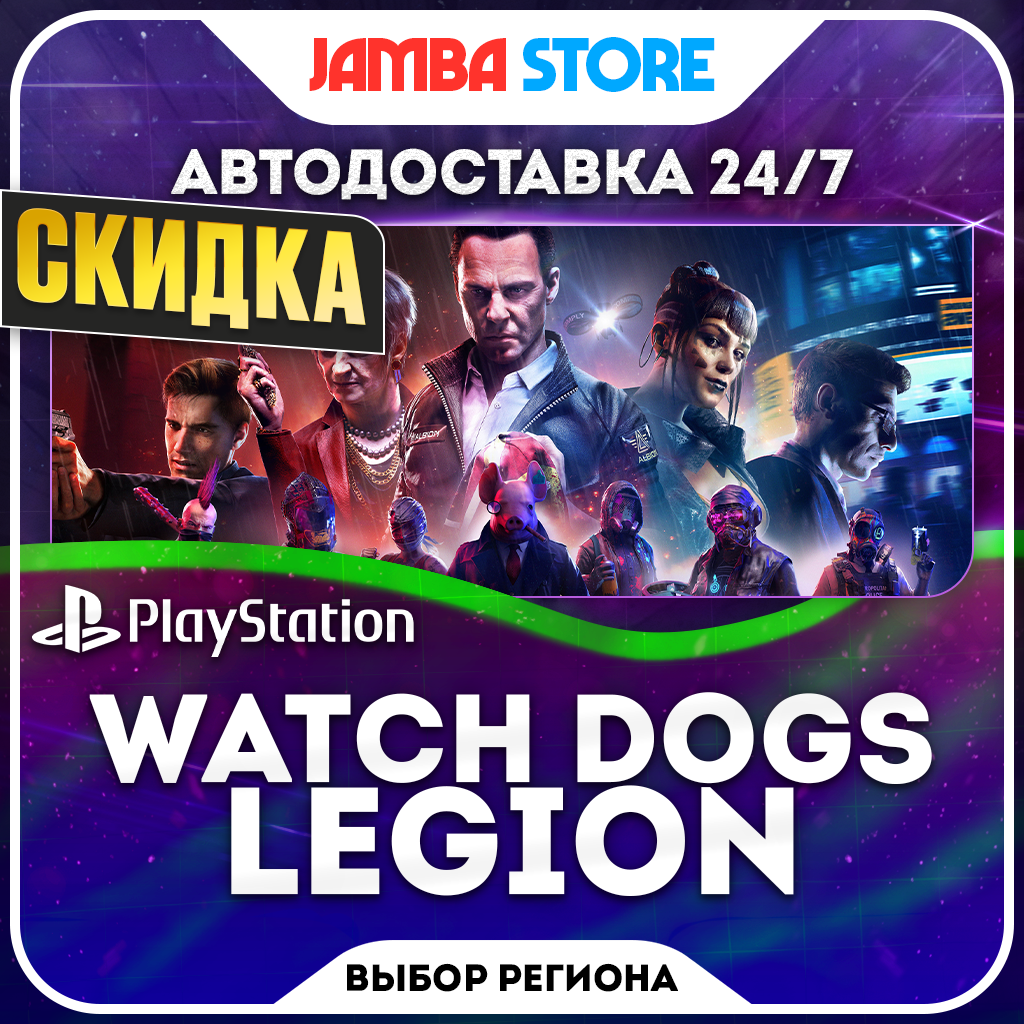
📌 Watch Dogs: Legion for PS4 and PS5 — automatic purchase of the game to YOUR PSN account within 10–15 minutes, 24/7;
🌍 Regions: TR, UA, IN, PL, US — AUTO;
♾️ The game is purchased directly to your profile and stays forever: this is not a rental and not a shared account;
💳 Cheaper than PS Store.
🌍 Regions: TR, UA, IN, PL, US — AUTO;
♾️ The game is purchased directly to your profile and stays forever: this is not a rental and not a shared account;
💳 Cheaper than PS Store.
🤖 AUTOMATED PURCHASE PROCESS:
1. Select the game edition and the region matching your account;
2. Complete the payment — you will be redirected to our website;
3. Enter your PSN account details: login (email), password, 2–3 backup codes (MUST be valid!).
✔️ Average processing time — 10–15 minutes after you enter your details
1. Select the game edition and the region matching your account;
2. Complete the payment — you will be redirected to our website;
3. Enter your PSN account details: login (email), password, 2–3 backup codes (MUST be valid!).
✔️ Average processing time — 10–15 minutes after you enter your details
📋 PREPARE YOUR ACCOUNT BEFORE PAYING:
1. Make sure your password and backup codes are valid — the order cannot be completed with invalid details;
2. Disable the "No Password / Passkey" sign-in method, set a password and enable 2FA;
3. Clear your PS Store cart;
4. Disable the password prompt at checkout;
5. Unlink all bank cards from your account;
6. Before buying a game for the Ukraine region — spend the balance on your account first (it will be deducted automatically);
7. For the USA region, set a state without sales tax beforehand, e.g. Oregon.
❗ These steps = the fastest possible
1. Make sure your password and backup codes are valid — the order cannot be completed with invalid details;
2. Disable the "No Password / Passkey" sign-in method, set a password and enable 2FA;
3. Clear your PS Store cart;
4. Disable the password prompt at checkout;
5. Unlink all bank cards from your account;
6. Before buying a game for the Ukraine region — spend the balance on your account first (it will be deducted automatically);
7. For the USA region, set a state without sales tax beforehand, e.g. Oregon.
❗ These steps = the fastest possible
🔒 WHERE TO GET BACKUP CODES (2FA):
1. Sign in at https://store.playstation.com/;
2. Profile icon → "Account Settings";
3. "Security" section;
4. "Two-factor authentication" → "Edit" → enable the "Authenticator App";
5. You will receive a list of 10 backup codes.
1. Sign in at https://store.playstation.com/;
2. Profile icon → "Account Settings";
3. "Security" section;
4. "Two-factor authentication" → "Edit" → enable the "Authenticator App";
5. You will receive a list of 10 backup codes.
🛡️ SECURITY: your account details are stored on our server in encrypted form for 30 days and are used only for purchasing games. After the order is completed, you can change your password — the game stays in your library forever.
⚠️ IMPORTANT:
• Don´t have an account in the required region? Choose the "Register a PSN Account" option — you´ll get a personal account together with its email, the game already purchased, and setup instructions;
• (For PS4 games) Before purchasing, check whether the region you are buying for supports the language you need — we are not responsible for a missing language in the game;
• By purchasing this item you agree to the description and additional information. Refunds for "changed my mind / bought the wrong item / different region" are subject to a 20% fee. Once the game has been purchased to your account, no refund is possible.
• Don´t have an account in the required region? Choose the "Register a PSN Account" option — you´ll get a personal account together with its email, the game already purchased, and setup instructions;
• (For PS4 games) Before purchasing, check whether the region you are buying for supports the language you need — we are not responsible for a missing language in the game;
• By purchasing this item you agree to the description and additional information. Refunds for "changed my mind / bought the wrong item / different region" are subject to a 20% fee. Once the game has been purchased to your account, no refund is possible.
25.02.2026 11:43:20
Быстро и чётко, рекомендую)