Finland 1 month | Works on LTE | VLESS XTLS Reality | BBR: On | 10 GBps port |
Content: text (0 symbol)
Available: 1
Uploaded: 31.05.2026
Positive responses: 0
Negative responses: 0
Sold: 0
Refunds: 0
~ $1.03
The exact amount is on the payment page
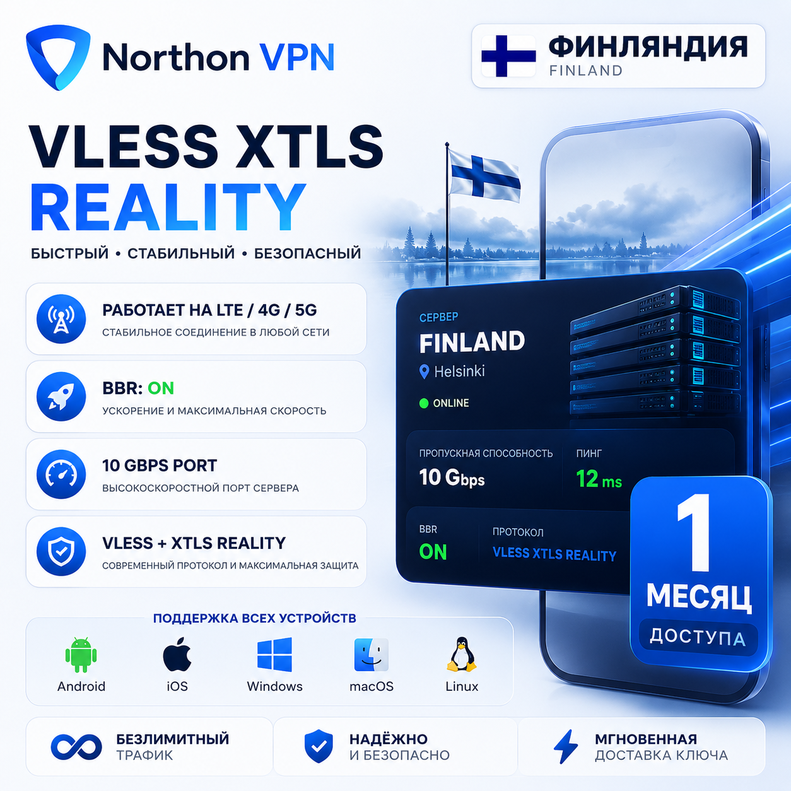
🔒 VLESS XTLS Reality VPN — Finland 1 month 🇫🇮
High-speed personal VPN server based on VLESS XTLS Reality.
✅ Location: Finland
✅ Protocol: VLESS + XTLS Reality
✅ Works over LTE/4G/5G and home networks
✅ BBR Acceleration: ON
✅ Server port: 10 Gbps
✅ High speed and low ping
✅ Unlimited server traffic
✅ Supports Windows, Android, iPhone (iOS), macOS, and Linux
✅ Suitable for bypassing blocks and secure internet access
After payment, you will instantly receive a unique VLESS connection key.
Connection instructions:
1. Install the client (v2rayNG, Hiddify, Streisand, v2rayN, or another compatible client).
2. Import the received VLESS key.
3. Connect to the server and use the internet without restrictions.
The kit includes:
• Unique VLESS Reality key
Technical support is available via Digiseller messages.
⚠️ Actions that violate the laws of the server´s host country are prohibited.
📱 Recommended clients for connection
🔥 Recommended: Happ (the best client for VLESS Reality)
🍎 iPhone / iPad (iOS)
• Happ (Global App Store)
https://apps.apple.com/us/app/happ-proxy-utility/id6504287215
• Happ Plus (Russian App Store)
https://apps.apple.com/ru/app/happ-proxy-utility-plus/id6746188973
• Streisand
https://apps.apple.com/us/app/streisand
• V2Box
https://apps.apple.com/us/app/v2box-v2ray-client/id6446814690
🤖 Android
• Happ
https://play.google.com/store/apps/details?id=com.happproxy
• Hiddify
https://hiddify.com
• v2rayNG
https://github.com/2dust/v2rayNG
💻Windows
• Happ
https://www.happ.su/main
• Hiddify
https://hiddify.com
• v2rayN
https://github.com/2dust/v2rayN
🍏 macOS
• Happ
https://www.happ.su/main
• Hiddify
https://hiddify.com
• v2rayN
https://github.com/2dust/v2rayN
🐧Linux
• Happ
https://www.happ.su/main
• Hiddify
https://hiddify.com
📺Android TV / Apple TV
• Happ TV
https://www.happ.su/main
⚡ Connection takes less than 1 minute:
1. Install any client from the list.
2. Copy the VLESS key received after payment.
3. Import the key into the app.
4. Click "Connect."
High-speed personal VPN server based on VLESS XTLS Reality.
✅ Location: Finland
✅ Protocol: VLESS + XTLS Reality
✅ Works over LTE/4G/5G and home networks
✅ BBR Acceleration: ON
✅ Server port: 10 Gbps
✅ High speed and low ping
✅ Unlimited server traffic
✅ Supports Windows, Android, iPhone (iOS), macOS, and Linux
✅ Suitable for bypassing blocks and secure internet access
After payment, you will instantly receive a unique VLESS connection key.
Connection instructions:
1. Install the client (v2rayNG, Hiddify, Streisand, v2rayN, or another compatible client).
2. Import the received VLESS key.
3. Connect to the server and use the internet without restrictions.
The kit includes:
• Unique VLESS Reality key
Technical support is available via Digiseller messages.
⚠️ Actions that violate the laws of the server´s host country are prohibited.
📱 Recommended clients for connection
🔥 Recommended: Happ (the best client for VLESS Reality)
🍎 iPhone / iPad (iOS)
• Happ (Global App Store)
https://apps.apple.com/us/app/happ-proxy-utility/id6504287215
• Happ Plus (Russian App Store)
https://apps.apple.com/ru/app/happ-proxy-utility-plus/id6746188973
• Streisand
https://apps.apple.com/us/app/streisand
• V2Box
https://apps.apple.com/us/app/v2box-v2ray-client/id6446814690
🤖 Android
• Happ
https://play.google.com/store/apps/details?id=com.happproxy
• Hiddify
https://hiddify.com
• v2rayNG
https://github.com/2dust/v2rayNG
💻Windows
• Happ
https://www.happ.su/main
• Hiddify
https://hiddify.com
• v2rayN
https://github.com/2dust/v2rayN
🍏 macOS
• Happ
https://www.happ.su/main
• Hiddify
https://hiddify.com
• v2rayN
https://github.com/2dust/v2rayN
🐧Linux
• Happ
https://www.happ.su/main
• Hiddify
https://hiddify.com
📺Android TV / Apple TV
• Happ TV
https://www.happ.su/main
⚡ Connection takes less than 1 minute:
1. Install any client from the list.
2. Copy the VLESS key received after payment.
3. Import the key into the app.
4. Click "Connect."
No feedback yet