Windows 11 Pro License | Online Key | Official Microsoft Partner
Content: text (0 symbol)
Available: 1
Uploaded: 09.07.2026
Positive responses: -1
Negative responses: 0
Sold: -1
Refunds: -1
Seller: NeoDeal
information about the seller and its items
Loyalty discount! If the total amount of your purchases from the seller more than:
| $10 | the discount is | 1% |
| $15 | the discount is | 2% |
| $25 | the discount is | 3% |
| $50 | the discount is | 5% |
~ $10.14
The exact amount is on the payment page
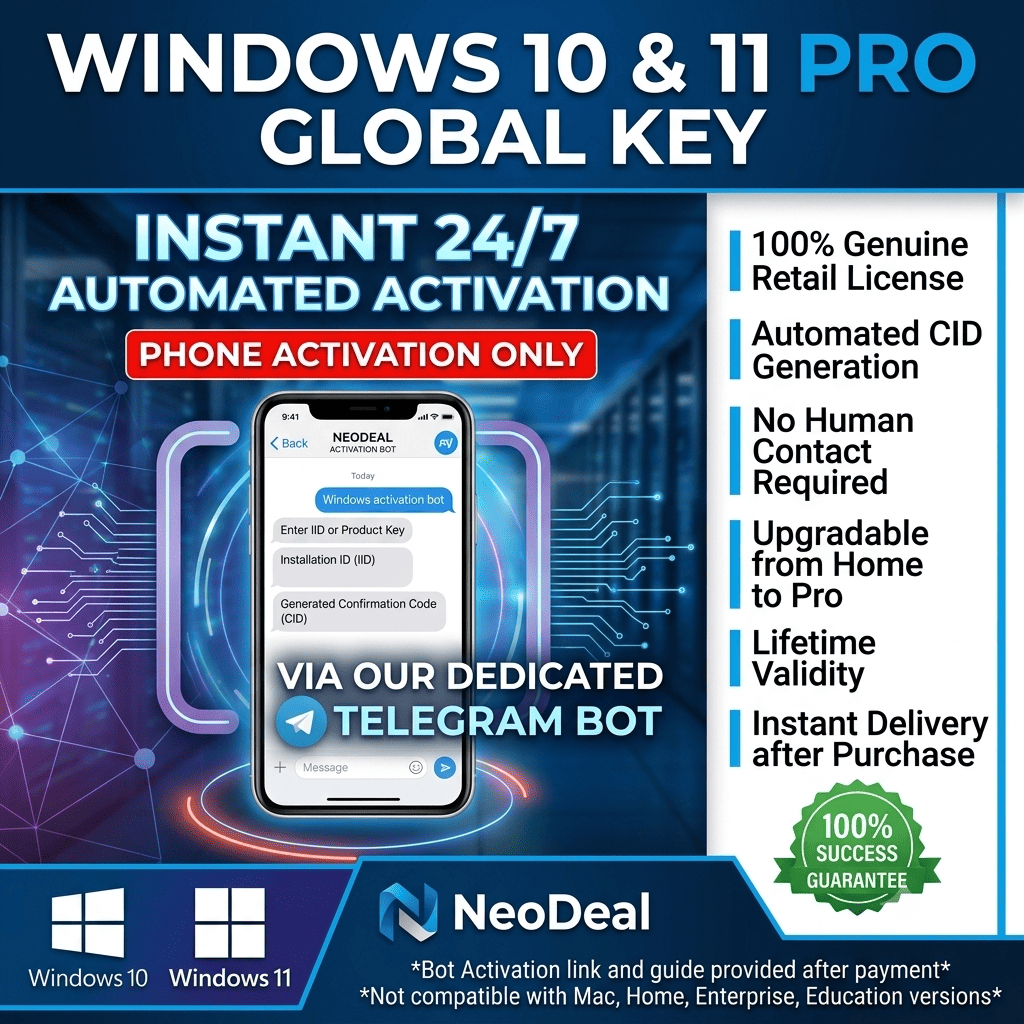
Automatic Instant .
You are purchasing Retail Keys (not MAK, N version, or OEM).
Activation Guide
Go to Settings → Update & Security → Activation (or System → Activation).
Click Change Product Key and enter your 25-digit key.
If the key does not activate immediately, use the phone activation method:
Step-by-step to get your Installation ID (IID):
On the activation screen, click "Activate by phone".
A window will appear with an Installation ID (IID) — a long number (9 blocks of 6–7 digits).
No actual phone call is required. Take a screenshot or write down this IID.
Once you have the IID, choose one of the options below:
Option 1 – Fast via GetCID (recommended)
Go to https://getcid.online/ru , enter your IID or upload a screenshot — the service will automatically generate the Confirmation ID (CID) for free and instantly.
Option 2 – Send IID to me
Send me the screenshot of the IID and I will generate the CID and send it back to you.
Where to enter the CID:
Return to the phone activation window on your PC, select "Enter Confirmation ID", type in the CID, and activation will complete successfully.
Support & Warranty Policy
To protect both parties, all refund/replacement requests require valid proof. Please provide a live video or unedited desktop screenshot showing the specific error code.
Contact me through the marketplace order chat. Maximum response time: 12 hours.
Replacement or refund is provided within 24 hours of verification if the key is genuinely faulty and cannot be activated.
Compatibility
This key activates Windows 10 Pro and Windows 11 Pro only.
It will NOT activate Home, Enterprise, or Education editions.
You are purchasing Retail Keys (not MAK, N version, or OEM).
Activation Guide
Go to Settings → Update & Security → Activation (or System → Activation).
Click Change Product Key and enter your 25-digit key.
If the key does not activate immediately, use the phone activation method:
Step-by-step to get your Installation ID (IID):
On the activation screen, click "Activate by phone".
A window will appear with an Installation ID (IID) — a long number (9 blocks of 6–7 digits).
No actual phone call is required. Take a screenshot or write down this IID.
Once you have the IID, choose one of the options below:
Option 1 – Fast via GetCID (recommended)
Go to https://getcid.online/ru , enter your IID or upload a screenshot — the service will automatically generate the Confirmation ID (CID) for free and instantly.
Option 2 – Send IID to me
Send me the screenshot of the IID and I will generate the CID and send it back to you.
Where to enter the CID:
Return to the phone activation window on your PC, select "Enter Confirmation ID", type in the CID, and activation will complete successfully.
Support & Warranty Policy
To protect both parties, all refund/replacement requests require valid proof. Please provide a live video or unedited desktop screenshot showing the specific error code.
Contact me through the marketplace order chat. Maximum response time: 12 hours.
Replacement or refund is provided within 24 hours of verification if the key is genuinely faulty and cannot be activated.
Compatibility
This key activates Windows 10 Pro and Windows 11 Pro only.
It will NOT activate Home, Enterprise, or Education editions.
🔥 NEED MICROSOFT OFFICE TOO? 🔥👉 GET OFFICE 2021 / 2024 PRO PLUS HERE:
https://e-market.su/item/5928056
https://e-market.su/item/5928056
22.06.2026 19:36:19
Заменили ключ, после одного неудачного. Все отлично, система активировалась!
19.06.2026 12:29:11
работает