Figma SaaS Landing Page UI Kit — SaaS Website Template
Content: Figma_SaaS_Landing_Page_UI_Kit.zip (8.23 KB)
Uploaded: 08.07.2026
Positive responses: 0
Negative responses: 0
Sold: 0
Refunds: 0
~ $3.9
The exact amount is on the payment page
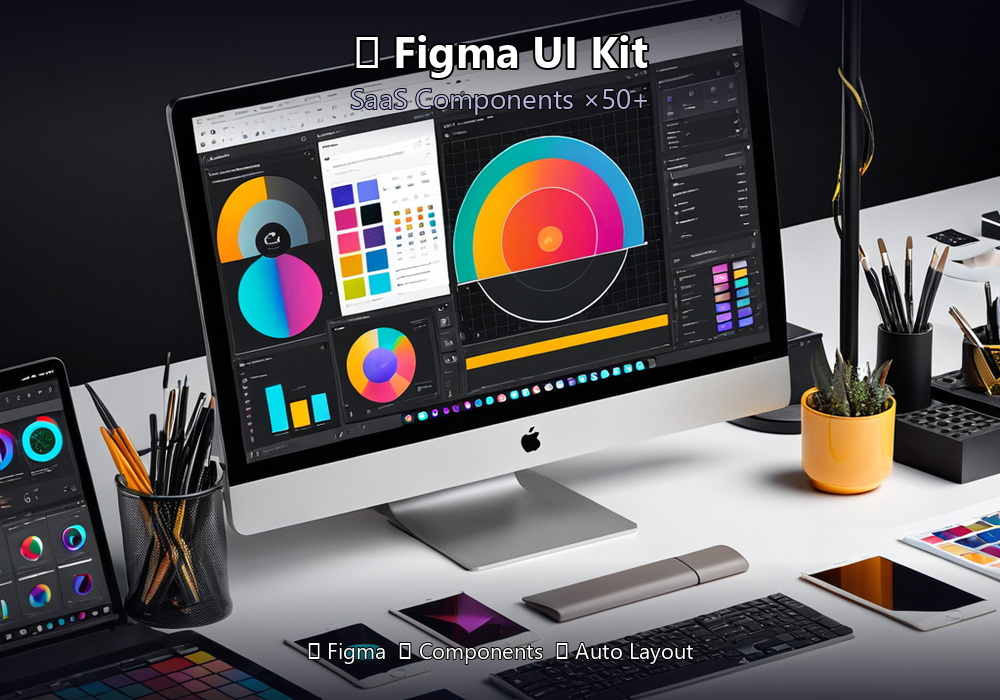
🎨 Figma SaaS Landing Page UI Kit — SaaS Website Template
Professional UI Kit for creating modern SaaS landing pages in Figma. 12 ready-made sections + design system.★ WHAT´S INSIDE:
• 12 ready sections: Hero, Features, Pricing, Testimonials, FAQ, CTA, Footer, Navbar, Blog, Dashboard preview, Stats, Logos
• Complete design system: typography, colors, spacing, shadows
• 50+ components and variations
• Dark and light themes
• Responsive grid: Desktop (1440px), Tablet (768px), Mobile (375px)
• Auto Layout — everything is adaptive and editable
• Icons and illustrations included
★ WHO IT´S FOR:
• UX/UI designers — launch a landing page in hours, not days
• Startups — create a landing page for investors and clients
• Frontend developers — use as a specification for development
• Agencies — save time on prototyping
★ HOW TO USE:
1. Open file in Figma (free version works)
2. Duplicate the sections you need
3. Replace text and images
4. Export or hand off to developers
✅ Instant — download immediately after payment!
📦 .fig file (Figma), instructions included.
Digital product
No feedback yet