OpenRouter | API Balance Top-Up | AUTO 24/7 | No Login | From $1
Content: text (0 symbol)
Available: 1
Uploaded:
Positive responses: 0
Negative responses: 0
Sold: 9
Refunds: 0
~ $1.36
The exact amount is on the payment page
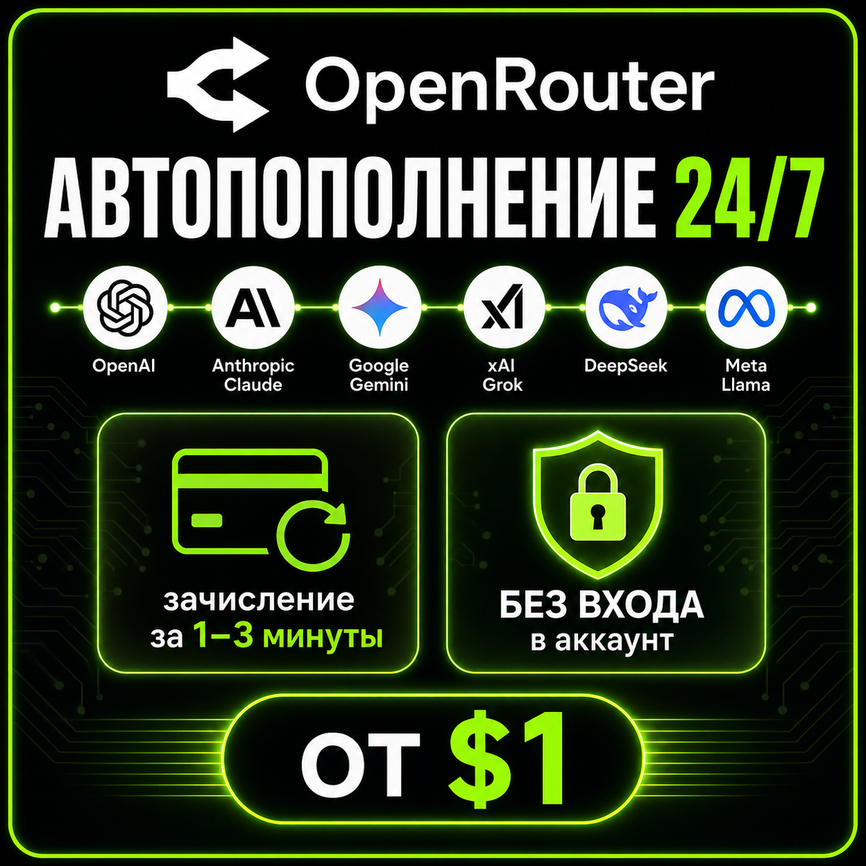
🚀 Automatic OpenRouter balance top-up — from $1
⚡ Credited within 1–3 minutes after payment
🔒 No login, password or API key — no access to your account needed
🛡 Payment via OpenRouter´s official crypto gateway (Coinbase)
💳 Payment: SBP, MIR card, crypto
━━━━━━━━━━━━━━━━━━━━
✅ How it works:
1. Create a crypto payment link in your OpenRouter account (guide below)
2. Paste the link into the «Coinbase payment link» field on this page
3. Buy as many units as the dollars you´re topping up (1 unit = $1 of balance) and pay the order
4. We pay your link automatically — credits arrive in 1–3 minutes
━━━━━━━━━━━━━━━━━━━━
📋 How to create the payment link:
1. Open openrouter.ai/settings/credits
2. Turn on «Use Crypto» → click «Purchase»
3. Enter your top-up amount (whole numbers only) → «Purchase credits»
4. Copy the link from the address bar: payments.coinbase.com/payment-links/pl_...
5. Paste it into the «Coinbase payment link» field and buy the same number of units — done!
━━━━━━━━━━━━━━━━━━━━
🔐 Security:
• No login, password or API key required
• Only you create the link, in your own account
• Payment goes directly through OpenRouter´s official crypto gateway
• No intermediaries — funds go straight to your balance
━━━━━━━━━━━━━━━━━━━━
🌐 OpenRouter — one API to 665+ AI models:
• GPT-5.5 / GPT-5 • Claude Opus 4.8 / Sonnet
• Gemini 3.1 Pro • Grok 4
• DeepSeek V3.2 / R1 • Qwen 3.6
• Llama 4 • Mistral Large
…and hundreds more. One key for every model, pay locally through us.
━━━━━━━━━━━━━━━━━━━━
🛡 Warranty — 24 hours. No refund after credits are added.
❓ Questions — write in «Chat with seller», we reply fast.
⚡ Credited within 1–3 minutes after payment
🔒 No login, password or API key — no access to your account needed
🛡 Payment via OpenRouter´s official crypto gateway (Coinbase)
💳 Payment: SBP, MIR card, crypto
━━━━━━━━━━━━━━━━━━━━
✅ How it works:
1. Create a crypto payment link in your OpenRouter account (guide below)
2. Paste the link into the «Coinbase payment link» field on this page
3. Buy as many units as the dollars you´re topping up (1 unit = $1 of balance) and pay the order
4. We pay your link automatically — credits arrive in 1–3 minutes
━━━━━━━━━━━━━━━━━━━━
📋 How to create the payment link:
1. Open openrouter.ai/settings/credits
2. Turn on «Use Crypto» → click «Purchase»
3. Enter your top-up amount (whole numbers only) → «Purchase credits»
4. Copy the link from the address bar: payments.coinbase.com/payment-links/pl_...
5. Paste it into the «Coinbase payment link» field and buy the same number of units — done!
━━━━━━━━━━━━━━━━━━━━
🔐 Security:
• No login, password or API key required
• Only you create the link, in your own account
• Payment goes directly through OpenRouter´s official crypto gateway
• No intermediaries — funds go straight to your balance
━━━━━━━━━━━━━━━━━━━━
🌐 OpenRouter — one API to 665+ AI models:
• GPT-5.5 / GPT-5 • Claude Opus 4.8 / Sonnet
• Gemini 3.1 Pro • Grok 4
• DeepSeek V3.2 / R1 • Qwen 3.6
• Llama 4 • Mistral Large
…and hundreds more. One key for every model, pay locally through us.
━━━━━━━━━━━━━━━━━━━━
🛡 Warranty — 24 hours. No refund after credits are added.
❓ Questions — write in «Chat with seller», we reply fast.
📌 Important: after payment you´ll receive a 16-character code (Unicode) — send it in «Chat with seller» to confirm your order and we´ll start the top-up right away. No need to resend the Coinbase link — it´s already taken from your order parameter. Credits arrive within 1–3 minutes.
No feedback yet

