[24/7 AUTO] PlayStation Card(PSN)2000 - 12000 INR (Rupees) India + GIFT
Content: text (0 symbol)
Available: 1
Uploaded:
Positive responses: 52
Negative responses: 0
Sold: 100
Refunds: 0
~ $49.28
The exact amount is on the payment page
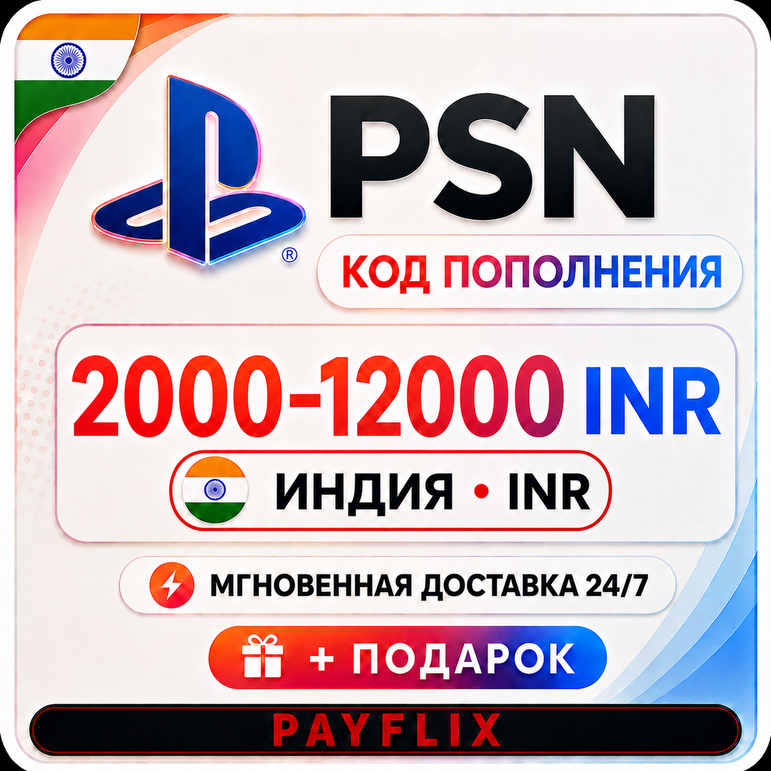
🚀🟢 INSTANT 🟢🚀
‼️ 0% FEE‼️
🟢 Pay using the first payment method (SBP) 🟢
✅ BEST PRICE ON LARGE DENOMINATIONS 📉
Hello! Welcome to PAYFLIX ⚫🔴🟢 Pay using the first payment method (SBP) 🟢
✅ BEST PRICE ON LARGE DENOMINATIONS 📉
Where you´ll find:
💲 Best prices
🔥 No commission
🚀 24/7
✅ Live support with no waiting
🔎 Wide selection of products
PlayStation Card 1000-12000 INR (Rupee)
🔰 Key activation on the PSN website - https://store.playstation.com/
🔑 Product type: Activation key
🌎 Region of use: India
✅ Account currency: INR
🔥 Top up your PS Store account to purchase games, add-ons, virtual currency, and subscriptions.
🆕 Codes for the Turkish (TRY) PSN region are also available.🔰 Key activation on the PSN website - https://store.playstation.com/
🔑 Product type: Activation key
🌎 Region of use: India
✅ Account currency: INR
🔥 Top up your PS Store account to purchase games, add-ons, virtual currency, and subscriptions.
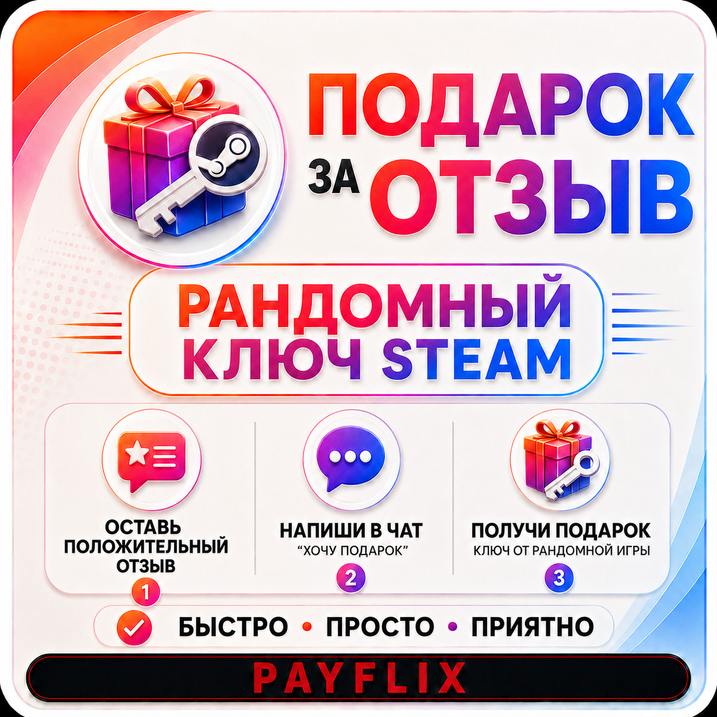
❗️ GIFT FOR A REVIEW ❗️
We´ll give away a random Steam game for your positive review!
Instructions: Purchase the product ➡️ Leave a positive review ➡️ Message the seller "I want a gift" ➡️ Receive the key.
⚠️ Promotion rules: 1 buyer = 1 gift. The key is awarded only for a positive review. Dispatch time is up to 24 hours from the time of your message.
We´ll give away a random Steam game for your positive review!
Instructions: Purchase the product ➡️ Leave a positive review ➡️ Message the seller "I want a gift" ➡️ Receive the key.
⚠️ Promotion rules: 1 buyer = 1 gift. The key is awarded only for a positive review. Dispatch time is up to 24 hours from the time of your message.
‼️ Codes cannot be activated by anyone else; they come directly from the distributor. If you have any doubts about their functionality, please record a video of your screen from the moment of payment until activation; requests without it will not be processed.‼️
If a return is requested at your initiative before receiving the code (incorrect region, incorrect product, inattentive reading of the description, etc.), a 20% fee will be charged.
After the code is issued, REFUNDS ARE NOT POSSIBLE.
If the error was on the seller´s part, a full refund will be issued.
If a return is requested at your initiative before receiving the code (incorrect region, incorrect product, inattentive reading of the description, etc.), a 20% fee will be charged.
After the code is issued, REFUNDS ARE NOT POSSIBLE.
If the error was on the seller´s part, a full refund will be issued.
Activation instructions:
1. Go to https://store.playstation.com
2. Select your profile
3. Then, "Account Management"
4. Then, "Transaction Management"
5. Select your PSN card
6. Enter the code (case-sensitive)
1. Go to https://store.playstation.com
2. Select your profile
3. Then, "Account Management"
4. Then, "Transaction Management"
5. Select your PSN card
6. Enter the code (case-sensitive)
How to redeem a PlayStation Store voucher (on a web browser):
1 Open the PlayStation Store website and sign in to your account.
2 Click your avatar at the top of the page.
3 Select Redeem Codes from the drop-down menu.
4 Carefully enter the voucher code and click Redeem.
5 The funds or content will be added to your account.
How to redeem a PlayStation Store voucher (PS5):
1 Go to Settings > Users & Accounts.
2 Select Account > Payments & Subscriptions > Redeem Codes.
3 Enter the code and click Redeem.
Redeeming a code at checkout (on a web browser/on a console):
1 On the checkout page, select Redeem Codes and Gift Cards among the payment methods.
2 Enter the code and confirm to apply it to your purchase or balance.
How to redeem a PlayStation Store voucher (PS4):
1. Open PlayStation Store and scroll down to the bottom of the left menu.
2. Select Redeem Codes.
3. Carefully enter the code and click Redeem.
4. The funds or content will be credited to your account.
1 Open the PlayStation Store website and sign in to your account.
2 Click your avatar at the top of the page.
3 Select Redeem Codes from the drop-down menu.
4 Carefully enter the voucher code and click Redeem.
5 The funds or content will be added to your account.
How to redeem a PlayStation Store voucher (PS5):
1 Go to Settings > Users & Accounts.
2 Select Account > Payments & Subscriptions > Redeem Codes.
3 Enter the code and click Redeem.
Redeeming a code at checkout (on a web browser/on a console):
1 On the checkout page, select Redeem Codes and Gift Cards among the payment methods.
2 Enter the code and confirm to apply it to your purchase or balance.
How to redeem a PlayStation Store voucher (PS4):
1. Open PlayStation Store and scroll down to the bottom of the left menu.
2. Select Redeem Codes.
3. Carefully enter the code and click Redeem.
4. The funds or content will be credited to your account.
25.09.2026 20:18:22
Все куплено, самая выгодная цена на подарочную карту.
20.09.2026 13:41:32
Все супер, быстро и четко
06.09.2026 6:56:23
Дешево и быстро 👍
02.09.2026 16:10:12
Все отлично!
01.09.2026 13:32:27
Все прошло моментально и качественно. Рекомендую всем
30.08.2026 0:27:18
Все супер
28.08.2026 22:04:24
Быстро хороший курс
28.08.2026 20:18:52
Все быстро, качественно, не обманывают! Цена хорошая, рекомендую.
28.08.2026 20:17:19
Всё оперативно и качественно, рекомендую!
28.08.2026 19:10:32
Все отлично. Если возникают вопросы - отзывчивая администрация