Adobe CC Photography Plan Key | Photoshop & Lightroom | 1/3 Months | Instant
Content: text (0 symbol)
Available: 1
Uploaded:
Positive responses: 23
Negative responses: 0
Sold: 100
Refunds: 5
~ $13.99
The exact amount is on the payment page
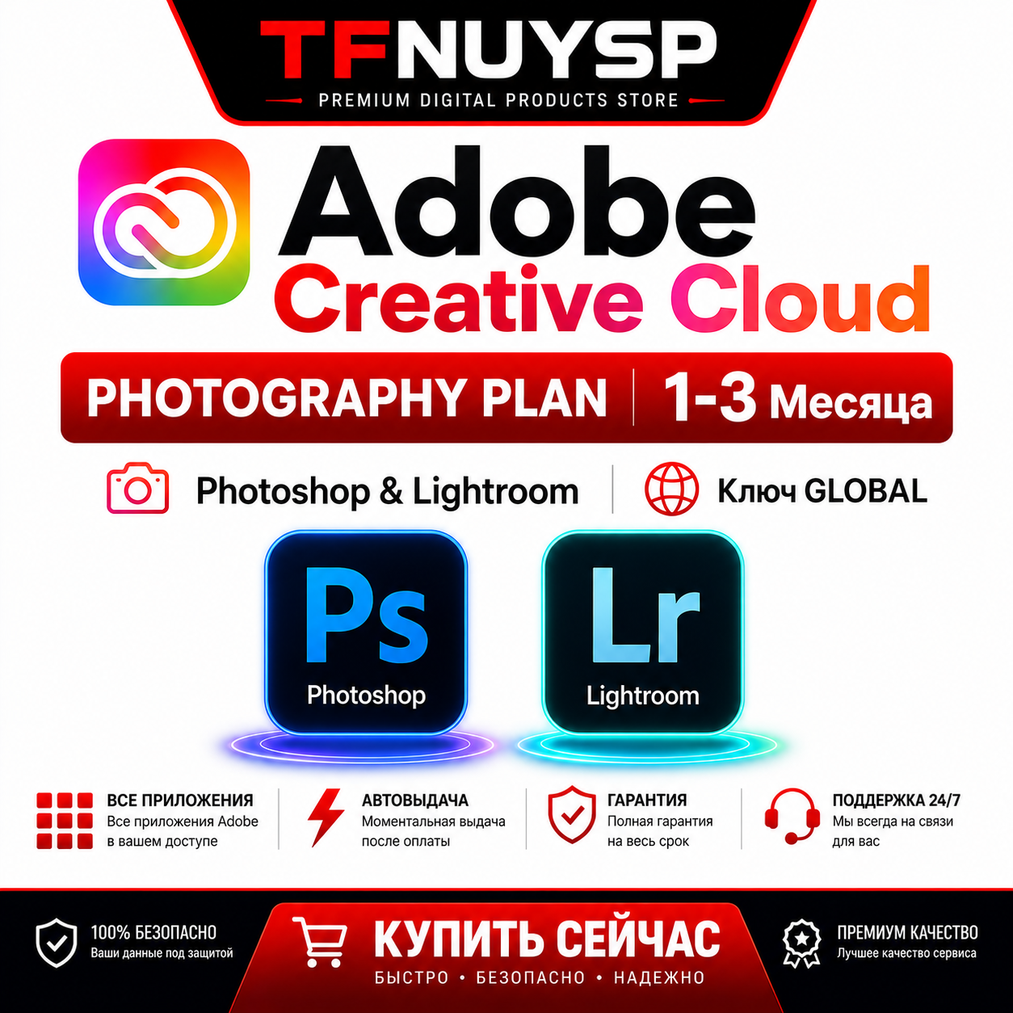
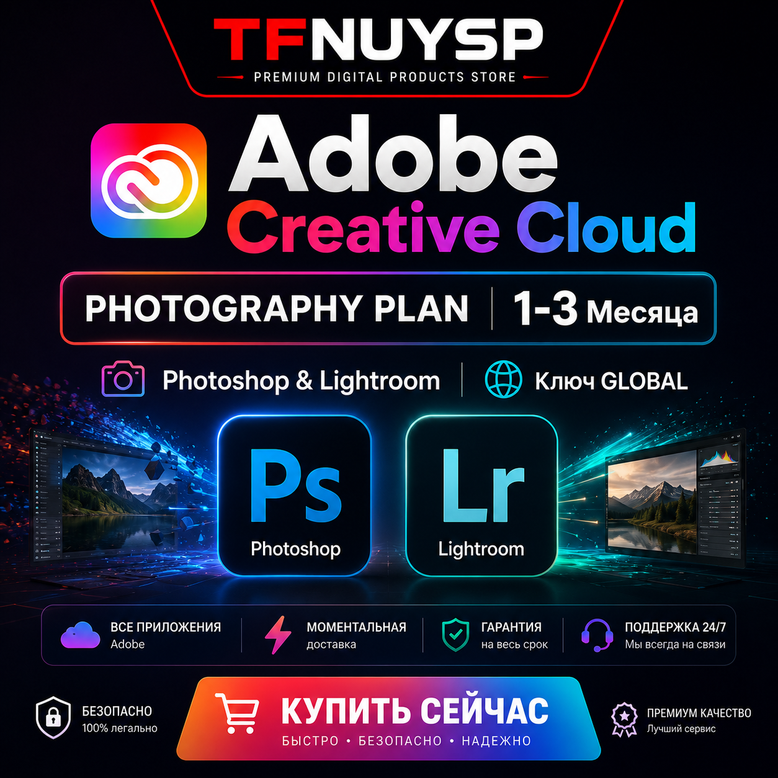
🔥 OFFICIAL ADOBE CC PHOTOGRAPHY PLAN ACTIVATION KEY 🔥
Activate the official subscription on your own personal Adobe account.
🔒 NO LOGIN REQUIRED:
No need to share your account credentials. You will receive an official activation key to redeem directly at redeem.adobe.com.
⚠️ IMPORTANT RULES BEFORE ACTIVATION:
• Your Adobe account must NOT have any active subscription. If you have an active plan, please wait for it to expire, or create/use a new Adobe account.
• If you are located in Russia or Belarus, you must use a VPN (set to USA, Turkey, or Europe) during the activation process.
•If the code has already been used on your account, you may need to try again with a new account.
🔑 HOW TO ACTIVATE / REDEEM YOUR KEY:
1. Turn on your VPN (set to Europe, USA, or Turkey) if you are in Russia/Belarus.
2. Go to the official Adobe redemption page: https://redeem.adobe.com
3. Log in with your personal Adobe ID (make sure there is no active subscription on it).
4. Enter the 24-digit code you received after purchase into the field.
5. Click "Redeem code" and follow the on-screen prompts to complete the activation.
6. Download and open the official Adobe Creative Cloud Desktop app on your PC.
7. Log in and download Photoshop / Lightroom!
🎁 Leave a positive review to automatically receive a gift card for your next purchase!
Activate the official subscription on your own personal Adobe account.
🔒 NO LOGIN REQUIRED:
No need to share your account credentials. You will receive an official activation key to redeem directly at redeem.adobe.com.
⚠️ IMPORTANT RULES BEFORE ACTIVATION:
• Your Adobe account must NOT have any active subscription. If you have an active plan, please wait for it to expire, or create/use a new Adobe account.
• If you are located in Russia or Belarus, you must use a VPN (set to USA, Turkey, or Europe) during the activation process.
•If the code has already been used on your account, you may need to try again with a new account.
🔑 HOW TO ACTIVATE / REDEEM YOUR KEY:
1. Turn on your VPN (set to Europe, USA, or Turkey) if you are in Russia/Belarus.
2. Go to the official Adobe redemption page: https://redeem.adobe.com
3. Log in with your personal Adobe ID (make sure there is no active subscription on it).
4. Enter the 24-digit code you received after purchase into the field.
5. Click "Redeem code" and follow the on-screen prompts to complete the activation.
6. Download and open the official Adobe Creative Cloud Desktop app on your PC.
7. Log in and download Photoshop / Lightroom!
🎁 Leave a positive review to automatically receive a gift card for your next purchase!
⚠️ IMPORTANT – REFUND POLICY (EN)
⚠️ Please read carefully before purchase
• No refunds are provided after , as this is a digital product.
• By purchasing, you confirm that you have read and accepted the full product description.
• If a refund is required due to exceptional circumstances, it will be processed with a 20% service and processing fee deduction.
• Refund requests based on non-guaranteed features, user error, or incompatibility are not accepted.
• Once account details are delivered, the product is considered used and completed.
By proceeding with the purchase, you agree to these conditions.
⚠️ Please read carefully before purchase
• No refunds are provided after , as this is a digital product.
• By purchasing, you confirm that you have read and accepted the full product description.
• If a refund is required due to exceptional circumstances, it will be processed with a 20% service and processing fee deduction.
• Refund requests based on non-guaranteed features, user error, or incompatibility are not accepted.
• Once account details are delivered, the product is considered used and completed.
By proceeding with the purchase, you agree to these conditions.
29.09.2026 21:28:33
Подписка работает. Ключ отправили оперативно
29.09.2026 20:40:37
Быстрая покупка. Все работает. Рекомендую
25.09.2026 17:02:47
Круто, чуть-чуть долго но терпимо.
22.09.2026 14:41:16
Соблюдая рекомендации, всё получится быстро. Работает, рекомендую!
10.09.2026 0:57:15
Все супер! помогли с установкой отзывчивый продавец!
09.09.2026 21:47:19
все четко
07.09.2026 23:10:28
После оплаты ,ключ прислали сразу.
06.09.2026 20:06:51
Быстро и качественно
01.09.2026 22:23:59
вроде все гуд , но 3 часа ждал ответа , так что лучше заранее делать покупку
01.09.2026 13:35:35
За час с небольшим получил код для нового аккаунта 👌 Работает