APPLE ITUNES GIFT CARD EUROPE / 2-75 EUR / CODE APP STORE
Content: text (0 symbol)
Available: 1
Uploaded:
Positive responses: -1
Negative responses: 0
Sold: -1
Refunds: -1
~ $3.63
The exact amount is on the payment page
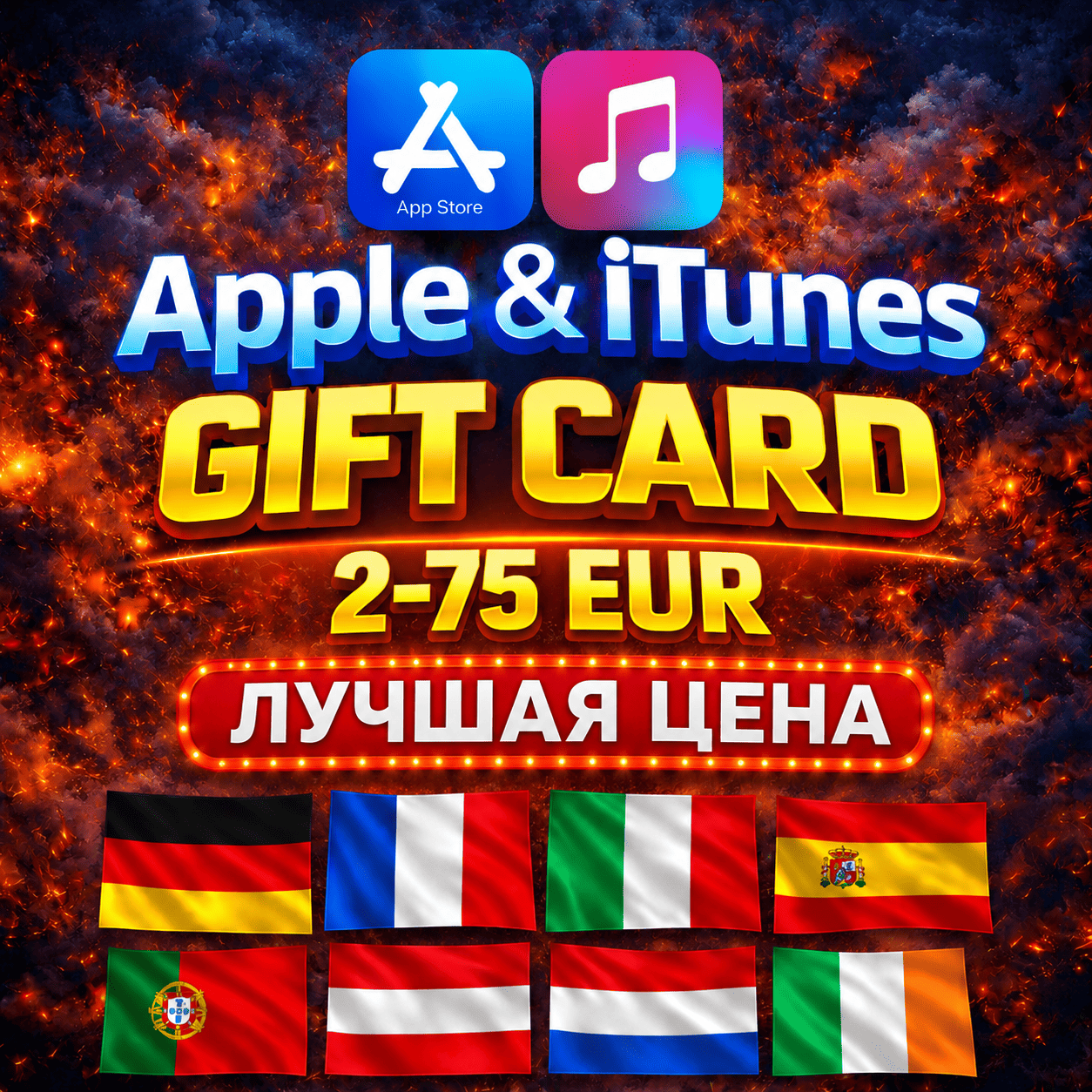
✅You purchase a gift card (code) to top up your iTunes/Apple Store account with the desired denomination.
🌍The gift card is only valid for the region you select (the one in your Apple ID settings).
🍏 How do I create an iTunes account?
→ http://support.apple.com/kb/HT2534?viewlocale=ru_RU
❗️After payment, you will receive a unique code that you need to provide to the seller.
📄 Instructions for use
1. Open the App Store on your iPhone, iPad, or Mac.
2. Tap your profile icon in the upper right corner.
3. Select "Redeem Gift Card or Code."
4. Enter the code you received.
5. The balance will be instantly credited to your Apple ID and can be used for purchases and subscriptions.
🌍 Supported countries:
🇩🇪 Germany
🇫🇷 France
🇮🇹 Italy
🇪🇸 Spain
🇳🇱 Netherlands
🇦🇹 Austria
🇵🇹 Portugal
🇫🇮 Finland
🇮🇪 Ireland
🎁 An Apple Gift Card is a convenient and reliable way to add funds to your Apple ecosystem.
Use your card in the appropriate region for purchases in the Apple Store, on apple.com, and to pay for content and subscriptions in the App Store, iTunes, Apple Music, Apple TV+, iCloud+, and other Apple services.
🔴 Codes cannot be redeemed earlier! Record a screen recording from the moment of payment until the moment of activation. Claims without it will not be processed!
🔴 Refunds are not possible for cards received, used, or incorrectly activated. 🔴By purchasing a digital product, you agree to the terms of this return policy. If you do not agree to this policy, please refuse to purchase the digital product.
⏱️ Customer support hours are from 10:00 AM to 10:00 PM Moscow time.
🌍The gift card is only valid for the region you select (the one in your Apple ID settings).
🍏 How do I create an iTunes account?
→ http://support.apple.com/kb/HT2534?viewlocale=ru_RU
❗️After payment, you will receive a unique code that you need to provide to the seller.
📄 Instructions for use
1. Open the App Store on your iPhone, iPad, or Mac.
2. Tap your profile icon in the upper right corner.
3. Select "Redeem Gift Card or Code."
4. Enter the code you received.
5. The balance will be instantly credited to your Apple ID and can be used for purchases and subscriptions.
🌍 Supported countries:
🇩🇪 Germany
🇫🇷 France
🇮🇹 Italy
🇪🇸 Spain
🇳🇱 Netherlands
🇦🇹 Austria
🇵🇹 Portugal
🇫🇮 Finland
🇮🇪 Ireland
🎁 An Apple Gift Card is a convenient and reliable way to add funds to your Apple ecosystem.
Use your card in the appropriate region for purchases in the Apple Store, on apple.com, and to pay for content and subscriptions in the App Store, iTunes, Apple Music, Apple TV+, iCloud+, and other Apple services.
🔴 Codes cannot be redeemed earlier! Record a screen recording from the moment of payment until the moment of activation. Claims without it will not be processed!
🔴 Refunds are not possible for cards received, used, or incorrectly activated. 🔴By purchasing a digital product, you agree to the terms of this return policy. If you do not agree to this policy, please refuse to purchase the digital product.
⏱️ Customer support hours are from 10:00 AM to 10:00 PM Moscow time.
No feedback yet