Compare Two Excel Registers — Local HTML Tool
Content: DovalTools_Сверка_двух_реестров_полная.zip (323.80 KB)
Uploaded: 05.08.2026
Positive responses: -1
Negative responses: 0
Sold: -1
Refunds: -1
~ $5.96
The exact amount is on the payment page
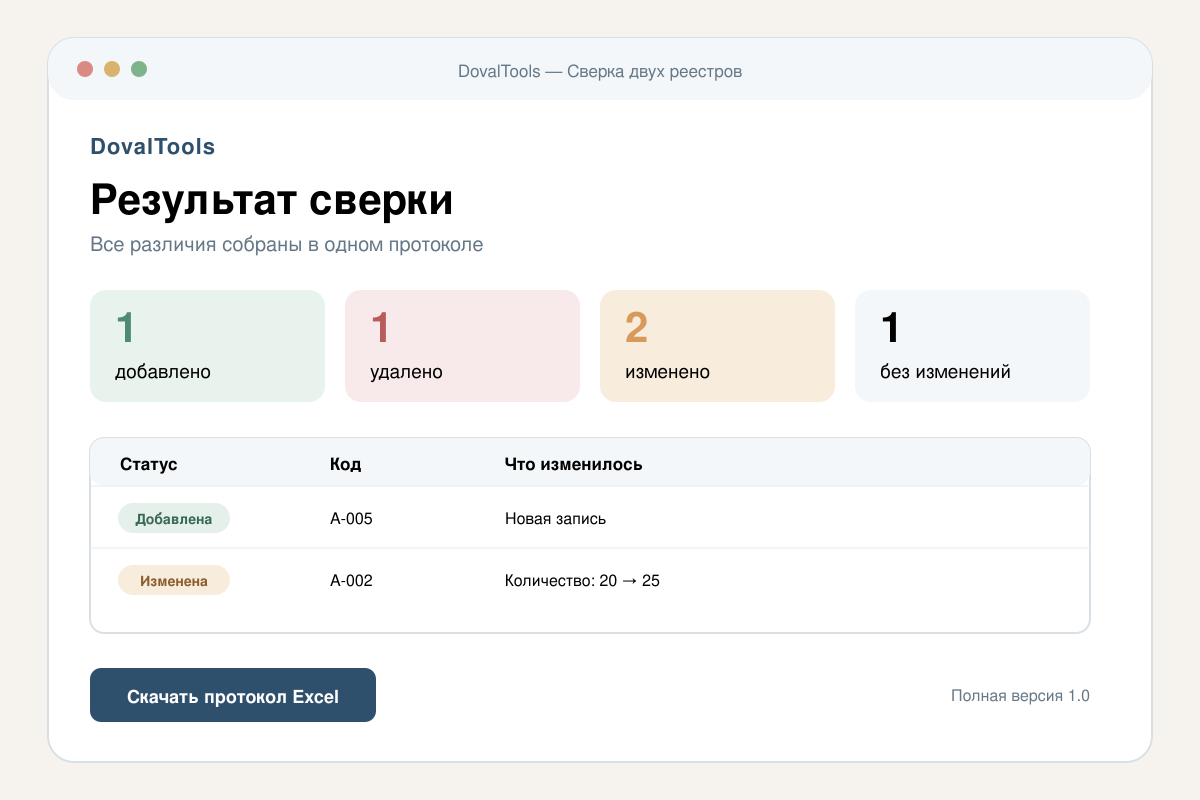
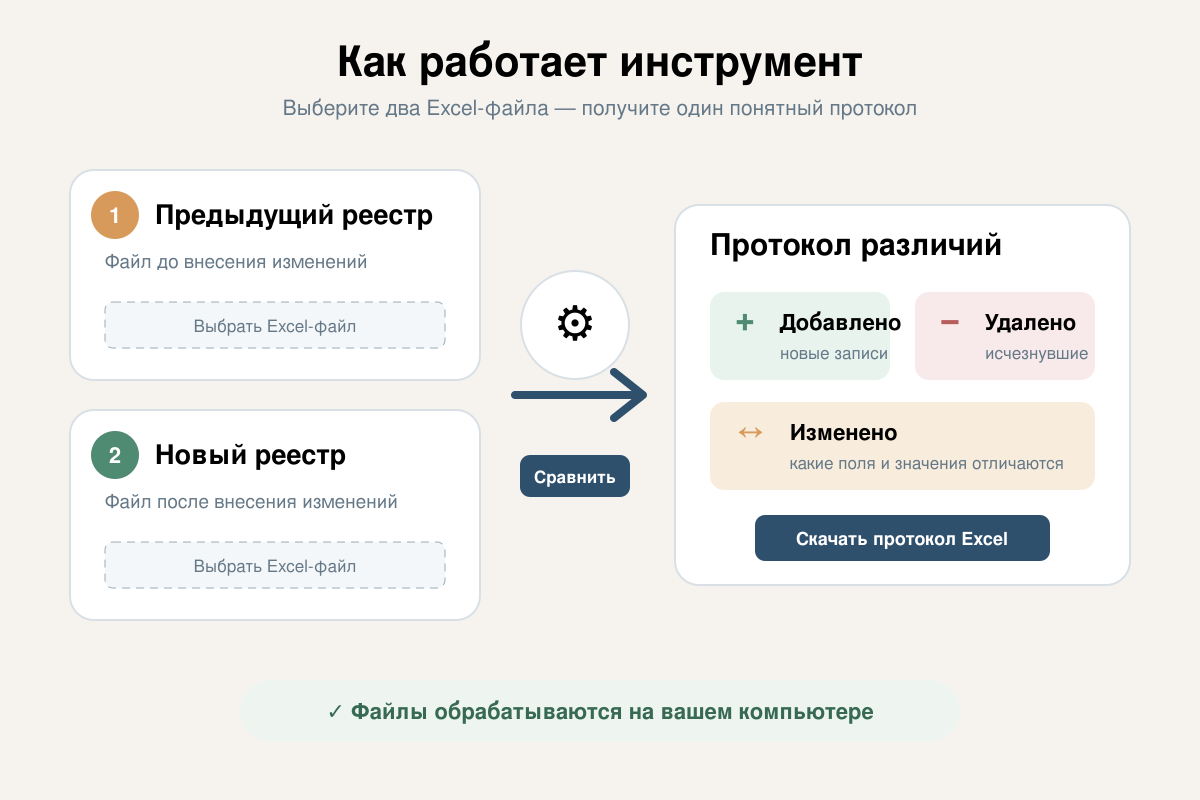
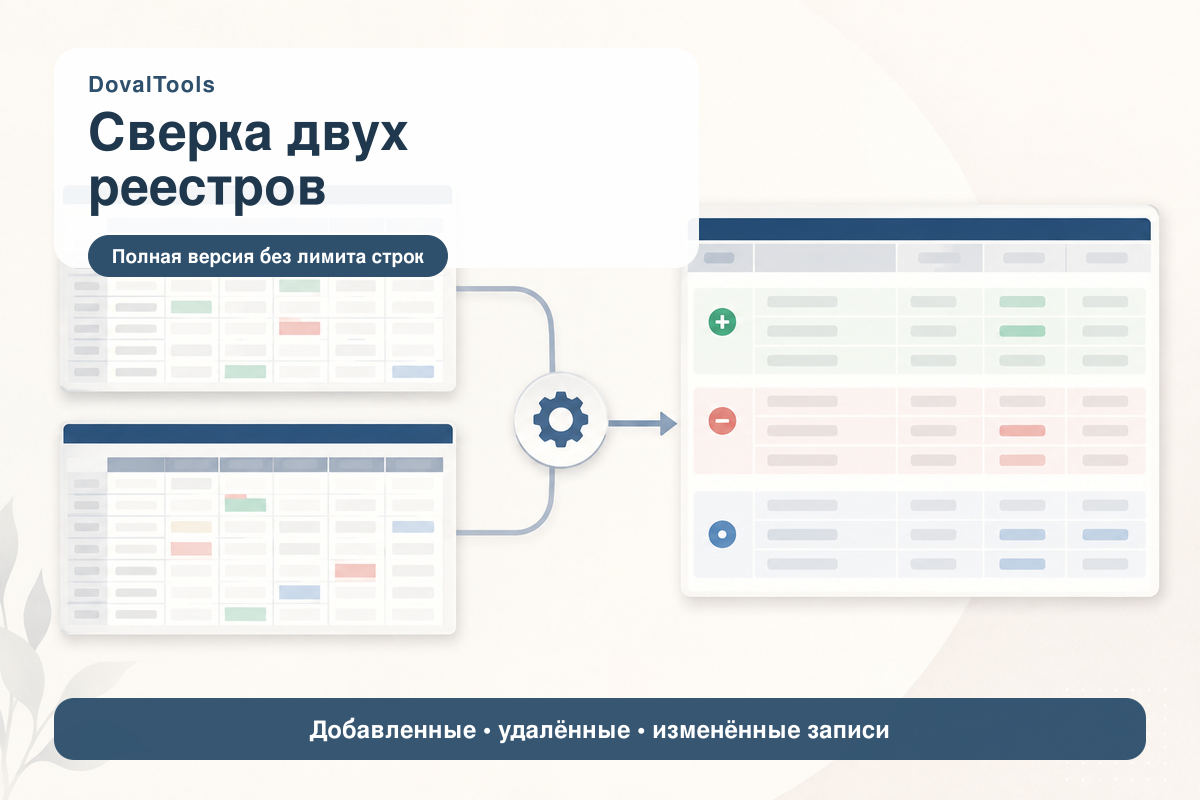
Compare two versions of an Excel register and quickly identify what has changed.
The tool compares a previous register with a new register and detects:
• added records;
• removed records;
• changed records;
• unchanged records.
After comparison, you can download a detailed Excel report containing a summary and separate worksheets for added, removed and changed records.
The tool is supplied as a single HTML file. No installation, macros or server connection is required. All files are processed locally in your browser and are not uploaded to an external service.
The package also includes two sample Excel registers and a short user guide.
The tool compares a previous register with a new register and detects:
• added records;
• removed records;
• changed records;
• unchanged records.
After comparison, you can download a detailed Excel report containing a summary and separate worksheets for added, removed and changed records.
The tool is supplied as a single HTML file. No installation, macros or server connection is required. All files are processed locally in your browser and are not uploaded to an external service.
The package also includes two sample Excel registers and a short user guide.
Supported input formats: XLSX and XLS.
The first worksheet of each Excel file is used for comparison.
File requirements:
• the first row must contain column headings;
• the first column must contain a unique record ID;
• every record ID must be filled in and must not be repeated;
• both files must contain the same set of columns;
• the first column must have the same heading in both files.
The full version has no built-in 50-row trial limit. Actual processing speed depends on the size of the files and the performance of the user´s computer and browser.
The tool interface and the included user guide are in Russian.
A modern desktop browser is required. Microsoft Excel or another compatible spreadsheet application is needed to open the exported report.
Before using the tool with important data, keep a backup copy of the original files. The tool does not modify the selected source files; it creates a separate comparison report.
The first worksheet of each Excel file is used for comparison.
File requirements:
• the first row must contain column headings;
• the first column must contain a unique record ID;
• every record ID must be filled in and must not be repeated;
• both files must contain the same set of columns;
• the first column must have the same heading in both files.
The full version has no built-in 50-row trial limit. Actual processing speed depends on the size of the files and the performance of the user´s computer and browser.
The tool interface and the included user guide are in Russian.
A modern desktop browser is required. Microsoft Excel or another compatible spreadsheet application is needed to open the exported report.
Before using the tool with important data, keep a backup copy of the original files. The tool does not modify the selected source files; it creates a separate comparison report.
No feedback yet