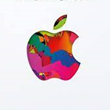
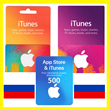
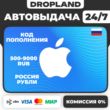
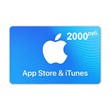
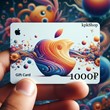
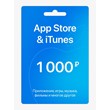
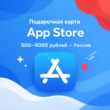
APPLE GIFT CARD RU | 500-9000 RUB | APP STORE RUSSIA | GIFT CARD | AUTO 24/7
Content: text (0 symbol)
Available: 1
Uploaded:
Positive responses: 0
Negative responses: 0
Sold: 0
Refunds: 0
Seller: Код Кодыч
information about the seller and its items
Loyalty discount! If the total amount of your purchases from the seller more than:
| $100 | the discount is | 2% |
| $150 | the discount is | 3% |
~ $16.01
The exact amount is on the payment page
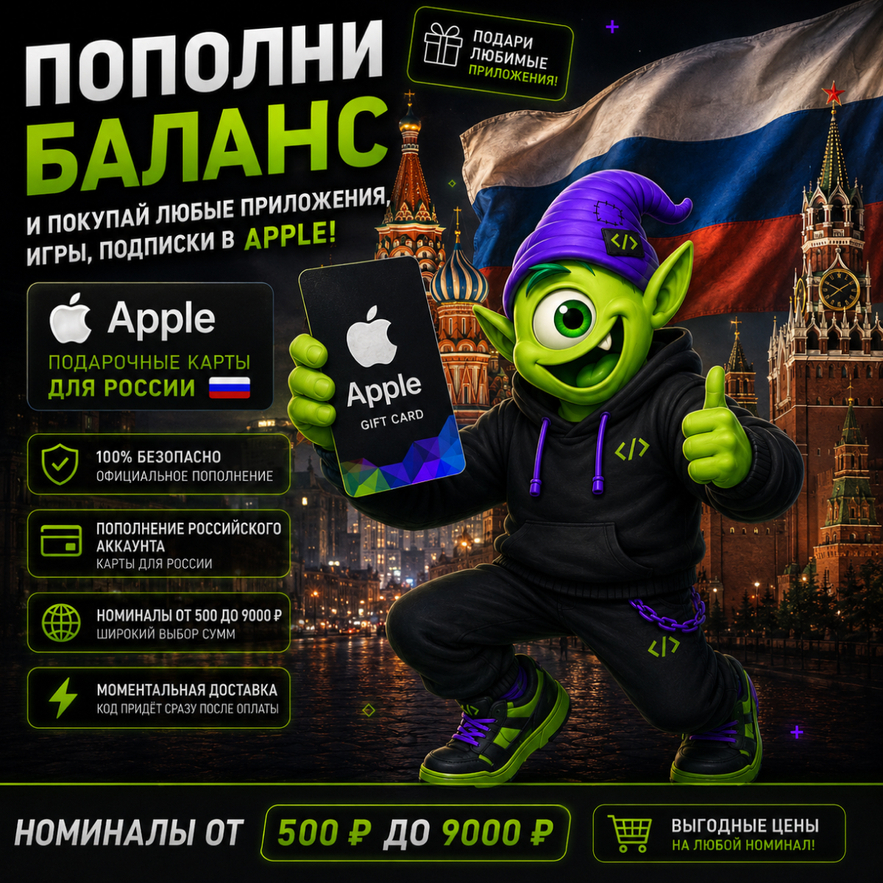
🍏 Buy APPLE GIFT CARD | RUSSIA | RUB from Kod Kodych
🇷🇺 Apple Gift Card for the Russian region
💳 Denominations from 500 RUB to 9,000 RUB
⚡ Instant automatic 24/7
🎁 Unique Apple Gift Card code
📱 Easy self-redemption in the App Store
🇷🇺 Apple Gift Card for the Russian region
💳 Denominations from 500 RUB to 9,000 RUB
⚡ Instant automatic 24/7
🎁 Unique Apple Gift Card code
📱 Easy self-redemption in the App Store
🍏 APPLE GIFT CARD | RU | RUSSIA 🇷🇺
After payment, you will receive a unique Apple Gift Card code to add funds to an eligible Apple Account registered in the Russian region.
💳 Available denominations: 500–9,000 RUB
🇷🇺 Region: RUSSIA
💰 Currency: RUB
⚡ Instant automatic 24/7
Please select the required denomination before payment.
After payment, you will receive a unique Apple Gift Card code to add funds to an eligible Apple Account registered in the Russian region.
💳 Available denominations: 500–9,000 RUB
🇷🇺 Region: RUSSIA
💰 Currency: RUB
⚡ Instant automatic 24/7
Please select the required denomination before payment.
🍎 WHAT CAN YOU USE AN APPLE GIFT CARD FOR?
After redemption, the funds are added to your Apple Account balance and can be used for eligible digital purchases and Apple services available in the Russian region.
📱 Apps and games from the App Store
🎮 In-app and in-game purchases
☁️ Eligible Apple subscriptions and services
🎵 Digital content
💳 Other eligible purchases using your Apple Account balance
Availability of specific apps, subscriptions and services depends on your account region and Apple´s current terms.
After redemption, the funds are added to your Apple Account balance and can be used for eligible digital purchases and Apple services available in the Russian region.
📱 Apps and games from the App Store
🎮 In-app and in-game purchases
☁️ Eligible Apple subscriptions and services
🎵 Digital content
💳 Other eligible purchases using your Apple Account balance
Availability of specific apps, subscriptions and services depends on your account region and Apple´s current terms.
🎁 WHAT WILL YOU RECEIVE?
✔ Unique Apple Gift Card code
✔ Your selected denomination from 500 RUB to 9,000 RUB
✔ Gift Card for the RUSSIA region
✔ Instant automatic 24/7
✔ Easy self-redemption
✔ Kod Kodych customer support
🚀 HOW TO RECEIVE YOUR GIFT CARD:
1️⃣ Select the required denomination.
2️⃣ Complete your payment.
3️⃣ Click "Receive Product".
4️⃣ Receive your unique Apple Gift Card code.
5️⃣ Redeem your code in the App Store.
⚡ Your code is delivered automatically immediately after successful payment.
✔ Unique Apple Gift Card code
✔ Your selected denomination from 500 RUB to 9,000 RUB
✔ Gift Card for the RUSSIA region
✔ Instant automatic 24/7
✔ Easy self-redemption
✔ Kod Kodych customer support
🚀 HOW TO RECEIVE YOUR GIFT CARD:
1️⃣ Select the required denomination.
2️⃣ Complete your payment.
3️⃣ Click "Receive Product".
4️⃣ Receive your unique Apple Gift Card code.
5️⃣ Redeem your code in the App Store.
⚡ Your code is delivered automatically immediately after successful payment.
📱 HOW TO REDEEM AN APPLE GIFT CARD ON IPHONE / IPAD / IPOD TOUCH
1. Open the App Store app.
2. At the top of the screen, tap the sign-in button or your profile photo.
3. Tap "Redeem Gift Card or Code".
4. Sign in to your Apple Account if required.
5. Tap "Use Camera" and follow the instructions on the screen.
6. If you have trouble using the camera, choose the option to enter your code manually.
7. Enter your code and complete the redemption.
1. Open the App Store app.
2. At the top of the screen, tap the sign-in button or your profile photo.
3. Tap "Redeem Gift Card or Code".
4. Sign in to your Apple Account if required.
5. Tap "Use Camera" and follow the instructions on the screen.
6. If you have trouble using the camera, choose the option to enter your code manually.
7. Enter your code and complete the redemption.
💻 HOW TO REDEEM AN APPLE GIFT CARD ON MAC
1. Open the App Store on your Mac.
2. Click your name or the sign-in button in the sidebar.
3. Click "Redeem Gift Card".
4. Click "Use Camera" and follow the instructions on the screen.
5. If necessary, choose the option to enter your code manually.
6. Enter your code and complete the redemption.
1. Open the App Store on your Mac.
2. Click your name or the sign-in button in the sidebar.
3. Click "Redeem Gift Card".
4. Click "Use Camera" and follow the instructions on the screen.
5. If necessary, choose the option to enter your code manually.
6. Enter your code and complete the redemption.
⚠️ IMPORTANT BEFORE PURCHASE
🇷🇺 This Gift Card is intended for Apple Accounts registered in RUSSIA.
💰 Gift Card currency: Russian Rubles (RUB).
💳 Available denominations: 500–9,000 RUB.
❗ Before purchasing, please make sure your Apple Account region matches the region of the Gift Card.
❗ Availability of specific apps, subscriptions, services and other ways to use your balance is determined by Apple and may change.
❗ Please carefully select the required denomination before payment.
Refund or replacement is available if there is an issue with the delivered code caused by us.
👾 Kod Kodych — digital products without the hassle!
🇷🇺 This Gift Card is intended for Apple Accounts registered in RUSSIA.
💰 Gift Card currency: Russian Rubles (RUB).
💳 Available denominations: 500–9,000 RUB.
❗ Before purchasing, please make sure your Apple Account region matches the region of the Gift Card.
❗ Availability of specific apps, subscriptions, services and other ways to use your balance is determined by Apple and may change.
❗ Please carefully select the required denomination before payment.
Refund or replacement is available if there is an issue with the delivered code caused by us.
👾 Kod Kodych — digital products without the hassle!
How do I get a code? 🤔
After payment, click "Receive item" in the email or on the purchase page. You´ll then be taken to a page with a unique code. 🎉There´s no need to send the unique code to the seller via chat.
After payment, click "Receive item" in the email or on the purchase page. You´ll then be taken to a page with a unique code. 🎉There´s no need to send the unique code to the seller via chat.
Sincerely, the Code Kodycha team 💜
We help you get your favorite services quickly, securely, and hassle-free 🚀
We help you get your favorite services quickly, securely, and hassle-free 🚀
No feedback yet