Steam Region Change CDK 24 7 USA UK Europe China India Japan Brazil Canada Asia NZ HK
Content: text (0 symbol)
Available: 1038
Uploaded: 05.09.2026
Positive responses: 0
Negative responses: 0
Sold: 12
Refunds: 0
~ $1.49
The exact amount is on the payment page
Digital self-service item. No physical .
Steam Store Region Change - Instant Self-Service CDKWHAT YOU RECEIVE
After successful payment, the page provides one unique CDK and access information for the self-service page. The code is designed for one order only.
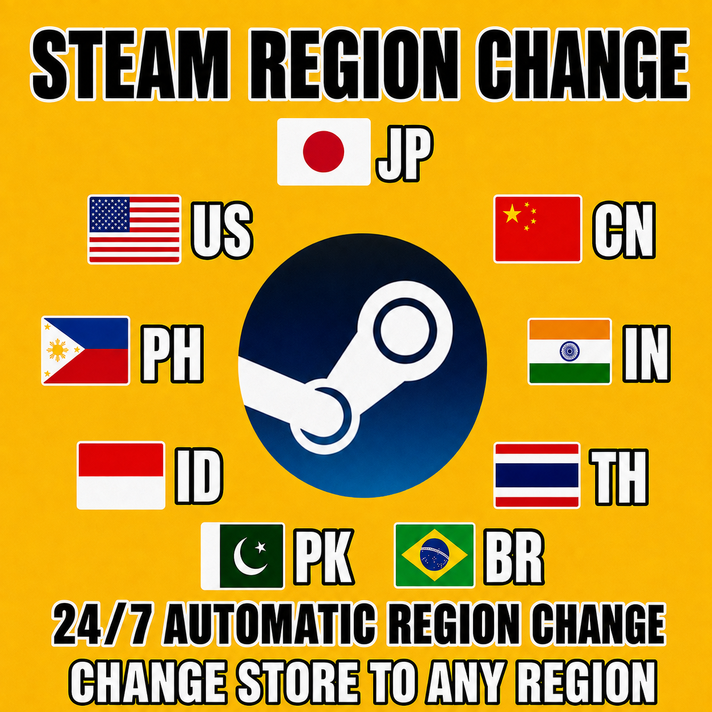
AUTOMATIC 24/7
Your CDK is shown on the Plati order page after payment.
HOW TO USEYour CDK is shown on the Plati order page after payment.
1. Open the self-service page shown in your .
2. Enter the CDK exactly as delivered.
3. Choose your target region from the supported list.
4. Complete the required information on the page and submit the request.
5. Follow the status and instructions shown on the self-service page.
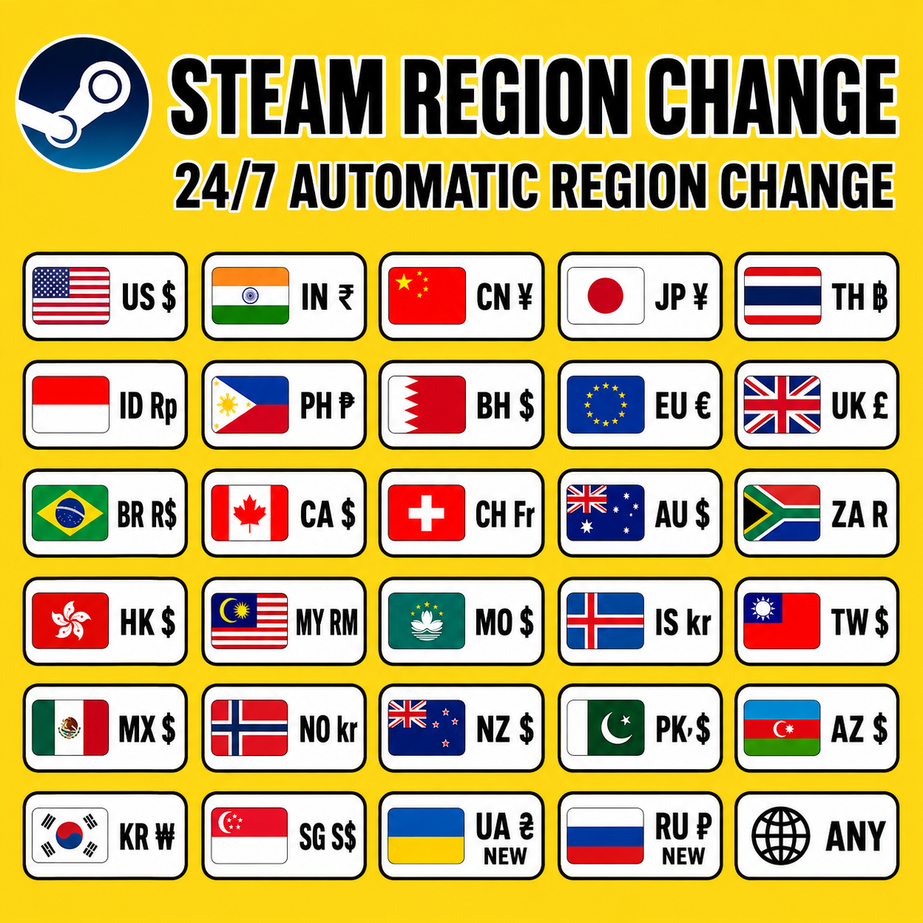
SUPPORTED TARGET REGIONS
Europe: Spain, Germany, France, Italy, Poland, Norway, United Kingdom, Switzerland, Iceland.
Asia Pacific: China, India, Indonesia, Thailand, Philippines, Singapore, Malaysia, Hong Kong, Japan, Taiwan, Macau, New Zealand, Australia.
Americas: United States, Canada, Brazil, Mexico.
Other supported regions: Bahrain, South Africa, Pakistan, Azerbaijan, Bangladesh, Nepal.
IMPORTANT BEFORE PURCHASE
- This listing is for the self-service region-change access code only.
- It does not include games, wallet balance, gift cards, or a physical item.
- One order provides one unique CDK for one request. Do not share or resell the code.
- Check that your target region is listed above before purchase.
- Keep the CDK private. Do not reuse or distribute the code.
- If the code is not immediately visible, open your Plati purchase page and check the section.
- Steam Guard does not need to be disabled; we do not recommend turning it off.
- A Steam store region can be changed once every 3 months. Please make sure you are eligible before purchase.
CUSTOMER SUPPORT
For order-related questions, contact the seller through Plati messages and include your Plati order number. Do not send your CDK in public messages.
format: one unique CDK shown after payment. Service scope: one target-region request from the supported list. Availability: automatic 24/7 . Please choose the target region carefully before submitting.
No feedback yet