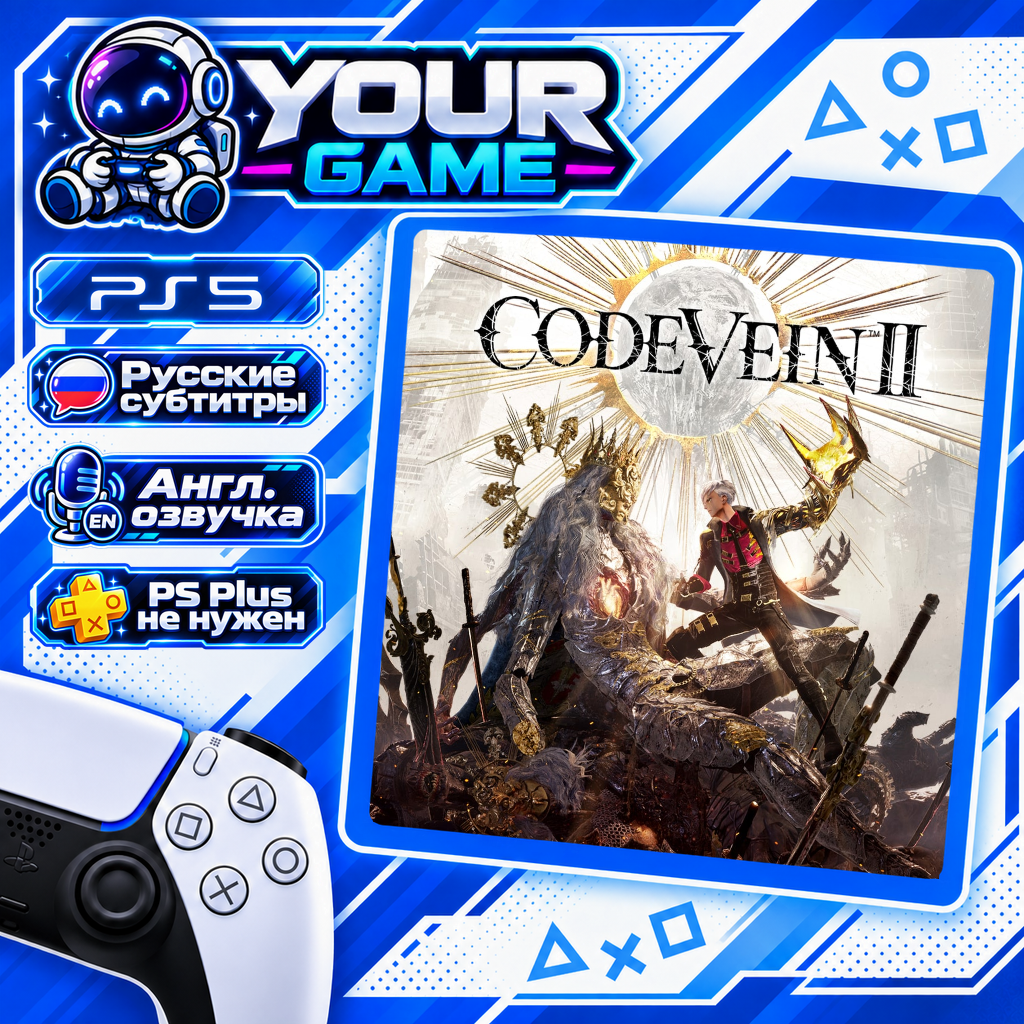
Code Vein II | PS5 | P2 Rental
Content: text (0 symbol)
Available: 1
Uploaded:
Positive responses: 0
Negative responses: 0
Sold: 0
Refunds: 0
~ $1.46
The exact amount is on the payment page
🎮 PLAYSTATION GAME ACCOUNT RENTAL
❗ Important: you are purchasing temporary access to a game account, not the account itself.
🔐 The account belongs to the service and was created specifically to provide access to games.
🛒 The games were officially purchased from PlayStation Store.
✅ Access is provided for the entire paid rental period.
━━━━━━━━━━━━━━━━━━━❗ Important: you are purchasing temporary access to a game account, not the account itself.
🔐 The account belongs to the service and was created specifically to provide access to games.
🛒 The games were officially purchased from PlayStation Store.
✅ Access is provided for the entire paid rental period.
🎯 PLATFORM
🟦 PlayStation 5 — available ✅
━━━━━━━━━━━━━━━━━━━
🎮 GAME
🕹 Code Vein II — PlayStation 5
📖 About the game
In a world where mortals and immortals coexist, the appearance of the Raphis Moon turns immortals into monsters and threatens the world. As a hunter, travel into the past with the time traveler Lou to change the fate of immortals and prevent disaster. Gather allies and fight with weapons, skills, and the power of blood.
PS5
🎙 Voice audio: English, Japanese
💬 Text / interface: German, English, Spanish, French, Italian, Russian
➕ PS Plus: not required to play the purchased game on a console.
Language information applies to the selected products in the Ukrainian PlayStation Store. Languages not listed are not promised.
━━━━━━━━━━━━━━━━━━━
📩 HOW TO RECEIVE ACCESS
After payment, you will receive a 🔑 unique 16-digit code.
1️⃣ Copy the code.
2️⃣ Open the “Correspondence with the seller” section.
3️⃣ Send the code to the seller in a single message.
⚠️ The account is provided only after the code has been received. We recommend sending it immediately after payment.
━━━━━━━━━━━━━━━━━━━After payment, you will receive a 🔑 unique 16-digit code.
1️⃣ Copy the code.
2️⃣ Open the “Correspondence with the seller” section.
3️⃣ Send the code to the seller in a single message.
⚠️ The account is provided only after the code has been received. We recommend sending it immediately after payment.
🔐 HOW ACCESS WORKS
🎮 You play directly from the provided account.
🌐 A continuous internet connection is required for this access arrangement.
🏆 This option is not suitable if trophies and saves on your personal account are important to you.
━━━━━━━━━━━━━━━━━━━
⚠️ IMPORTANT RULES
❌ Do not change the login, password or any other account details.
❌ The account may be used on one console only.
❌ Do not share the account details with other people.
❌ Attempts to change the details or take ownership of the account will result in termination of access without a refund.
📌 You pay for temporary access to the game, not for ownership of the account.
━━━━━━━━━━━━━━━━━━━❌ Do not change the login, password or any other account details.
❌ The account may be used on one console only.
❌ Do not share the account details with other people.
❌ Attempts to change the details or take ownership of the account will result in termination of access without a refund.
📌 You pay for temporary access to the game, not for ownership of the account.
🛠 HOW TO INSTALL THE GAME
👤 Adding a user
PS4: Power → Switch User → Create a New User. Do not choose guest mode.
PS5: Add User → Get Started → accept the licence agreement. Do not sign in as a guest.
━━━━━━━━━━━━━━━━━━━
⚙️ ACCESS SETTINGS
PS4: if asked to change the primary PS4, choose “Do Not Change”.
PS5: in Console Sharing and Offline Play, choose “Disable” / “Do Not Enable”.
━━━━━━━━━━━━━━━━━━━
⬇️ DOWNLOADING THE GAME
Open the game library → “Purchased” → find the game → “Download”.
🎮 You can start playing after the download has finished.
━━━━━━━━━━━━━━━━━━━
♻️ AFTER THE RENTAL ENDS
🔄 The account details may be changed.
🗑 Remove the provided account from your console after the rental period ends.
━━━━━━━━━━━━━━━━━━━
⏱ TIME
Average processing time: 10–30 minutes. Maximum time: 24 hours after purchase.
Working hours: 09:00–22:00 UTC+2.
🌙 Orders placed after working hours may be processed on the next working day.
━━━━━━━━━━━━━━━━━━━
💬 Questions? Contact the seller before purchasing — we will help clarify the details.
🎮 PLAYSTATION RENTAL TERMS — P2
Please read these terms before purchasing.
━━━━━━━━━━━━━━━━━━━
📌 GENERAL TERMS
• You receive temporary access to a game account.
• The account remains the property of the service.
• The game is played from the provided account.
• The minimum rental period is 5 days.
• If you finish the game before the rental ends, unused time is not compensated.
━━━━━━━━━━━━━━━━━━━
🔐 USAGE RULES
✅ Use on one console only.
✅ You may add friends.
🌐 A continuous internet connection is required for this access arrangement.
The following is prohibited:
❌ changing account details;
❌ sharing the account with other people;
❌ using the account on multiple consoles at the same time;
❌ signing into the account through Sony´s website;
❌ attempting to change the password, email address or other security settings.
⚠️ Attempts to change the details or take ownership of the account will result in termination of access without a refund.
━━━━━━━━━━━━━━━━━━━
➕ PLAYSTATION PLUS
The provided account does not have a PS Plus subscription.
If your main account has PS Plus, some benefits may be available depending on your console settings.
━━━━━━━━━━━━━━━━━━━
💳 REFUNDS
If a refund is requested for a buyer-related reason, for example:
• the wrong product or region was selected;
• the buyer did not read the description;
• the buyer changed their mind after ordering;
• the problem was caused by the buyer´s actions;
an approved refund is subject to a deduction of 20% of the price to cover marketplace fees.
✅ If the problem is the seller´s fault, a full refund is provided.
⚠️ No refunds are provided after the supplied access has been received and activated.
━━━━━━━━━━━━━━━━━━━
📌 By placing an order, you confirm that you have read the product description and rental terms.
No feedback yet