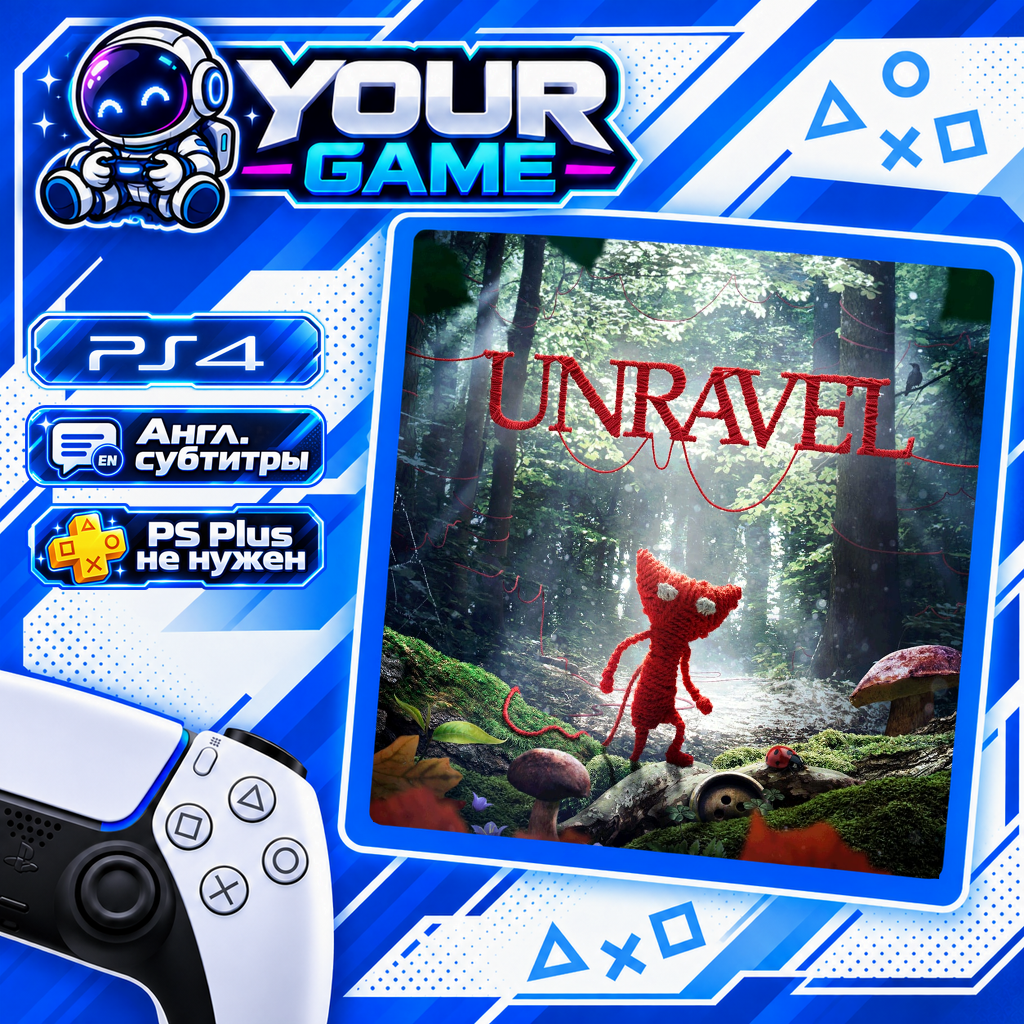
Unravel | PS4/PS5 | P2 Rental
Content: text (0 symbol)
Available: 1
Uploaded:
Positive responses: 0
Negative responses: 0
Sold: 0
Refunds: 0
~ $0.98
The exact amount is on the payment page
🎮 PLAYSTATION GAME ACCOUNT RENTAL
❗ Important: you are purchasing temporary access to a game account, not the account itself.
🔐 The account belongs to the service and was created specifically to provide access to games.
🛒 The games were officially purchased from PlayStation Store.
✅ Access is provided for the entire paid rental period.
━━━━━━━━━━━━━━━━━━━❗ Important: you are purchasing temporary access to a game account, not the account itself.
🔐 The account belongs to the service and was created specifically to provide access to games.
🛒 The games were officially purchased from PlayStation Store.
✅ Access is provided for the entire paid rental period.
🎯 PLATFORM
🟦 PS4 / PS5 — PS4 version ✅
━━━━━━━━━━━━━━━━━━━
🎮 GAME
🕹 Unravel — PlayStation 4
📖 About the game
Yarny, a character made from a single thread that unravels as he moves, sets out on a journey to recover lost family memories. In this physics-based puzzle platformer, use the thread to swing between tree branches and overcome obstacles.
PS4
🎙 Voice audio: No spoken dialogue; music, effects and wordless voices may be present.
💬 Text / interface: German, English, Spanish, French, Italian, Japanese
➕ PS Plus: not required to play the purchased game on a console.
Language information applies to the selected products in the Ukrainian PlayStation Store. Languages not listed are not promised.
━━━━━━━━━━━━━━━━━━━
📩 HOW TO RECEIVE ACCESS
After payment, you will receive a 🔑 unique 16-digit code.
1️⃣ Copy the code.
2️⃣ Open the “Correspondence with the seller” section.
3️⃣ Send the code to the seller in a single message.
⚠️ The account is provided only after the code has been received. We recommend sending it immediately after payment.
━━━━━━━━━━━━━━━━━━━After payment, you will receive a 🔑 unique 16-digit code.
1️⃣ Copy the code.
2️⃣ Open the “Correspondence with the seller” section.
3️⃣ Send the code to the seller in a single message.
⚠️ The account is provided only after the code has been received. We recommend sending it immediately after payment.
🔐 HOW ACCESS WORKS
🎮 You play directly from the provided account.
🌐 A continuous internet connection is required for this access arrangement.
🏆 This option is not suitable if trophies and saves on your personal account are important to you.
━━━━━━━━━━━━━━━━━━━
⚠️ IMPORTANT RULES
❌ Do not change the login, password or any other account details.
❌ The account may be used on one console only.
❌ Do not share the account details with other people.
❌ Attempts to change the details or take ownership of the account will result in termination of access without a refund.
📌 You pay for temporary access to the game, not for ownership of the account.
━━━━━━━━━━━━━━━━━━━❌ Do not change the login, password or any other account details.
❌ The account may be used on one console only.
❌ Do not share the account details with other people.
❌ Attempts to change the details or take ownership of the account will result in termination of access without a refund.
📌 You pay for temporary access to the game, not for ownership of the account.
🛠 HOW TO INSTALL THE GAME
👤 Adding a user
PS4: Power → Switch User → Create a New User. Do not choose guest mode.
PS5: Add User → Get Started → accept the licence agreement. Do not sign in as a guest.
━━━━━━━━━━━━━━━━━━━
⚙️ ACCESS SETTINGS
PS4: if asked to change the primary PS4, choose “Do Not Change”.
PS5: in Console Sharing and Offline Play, choose “Disable” / “Do Not Enable”.
━━━━━━━━━━━━━━━━━━━
⬇️ DOWNLOADING THE GAME
Open the game library → “Purchased” → find the game → “Download”.
🎮 You can start playing after the download has finished.
━━━━━━━━━━━━━━━━━━━
♻️ AFTER THE RENTAL ENDS
🔄 The account details may be changed.
🗑 Remove the provided account from your console after the rental period ends.
━━━━━━━━━━━━━━━━━━━
⏱ TIME
Average processing time: 10–30 minutes. Maximum time: 24 hours after purchase.
Working hours: 09:00–22:00 UTC+2.
🌙 Orders placed after working hours may be processed on the next working day.
━━━━━━━━━━━━━━━━━━━
💬 Questions? Contact the seller before purchasing — we will help clarify the details.
🎮 PLAYSTATION RENTAL TERMS — P2
Please read these terms before purchasing.
━━━━━━━━━━━━━━━━━━━
📌 GENERAL TERMS
• You receive temporary access to a game account.
• The account remains the property of the service.
• The game is played from the provided account.
• The minimum rental period is 5 days.
• If you finish the game before the rental ends, unused time is not compensated.
━━━━━━━━━━━━━━━━━━━
🔐 USAGE RULES
✅ Use on one console only.
✅ You may add friends.
🌐 A continuous internet connection is required for this access arrangement.
The following is prohibited:
❌ changing account details;
❌ sharing the account with other people;
❌ using the account on multiple consoles at the same time;
❌ signing into the account through Sony´s website;
❌ attempting to change the password, email address or other security settings.
⚠️ Attempts to change the details or take ownership of the account will result in termination of access without a refund.
━━━━━━━━━━━━━━━━━━━
➕ PLAYSTATION PLUS
The provided account does not have a PS Plus subscription.
If your main account has PS Plus, some benefits may be available depending on your console settings.
━━━━━━━━━━━━━━━━━━━
💳 REFUNDS
If a refund is requested for a buyer-related reason, for example:
• the wrong product or region was selected;
• the buyer did not read the description;
• the buyer changed their mind after ordering;
• the problem was caused by the buyer´s actions;
an approved refund is subject to a deduction of 20% of the price to cover marketplace fees.
✅ If the problem is the seller´s fault, a full refund is provided.
⚠️ No refunds are provided after the supplied access has been received and activated.
━━━━━━━━━━━━━━━━━━━
📌 By placing an order, you confirm that you have read the product description and rental terms.
No feedback yet