COD Mobile SG Region — Direct Recharge | Garena | Instant Delivery
Content: text (0 symbol)
Available: 1
Uploaded:
Positive responses: 0
Negative responses: 0
Sold: 1
Refunds: 0
~ $2.46
The exact amount is on the payment page
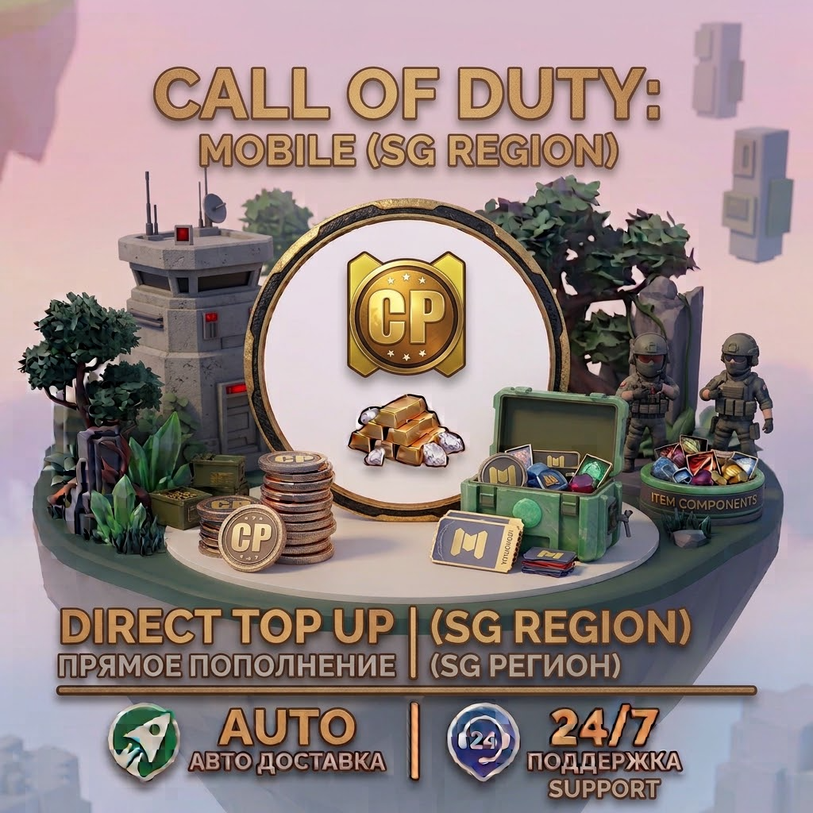
Direct top up for Call of Duty: Mobile — SG Region without login.
This service is only for the SG server / Singapore and Malaysia region. Please check your server and game version before placing an order.
This service is only for the SG server / Singapore and Malaysia region. Please check your server and game version before placing an order.
IMPORTANT — SG REGION ONLY
This service is only available for Call of Duty: Mobile accounts in the SG region, including Singapore / Malaysia.
Please check your region before purchasing.
If you are using the Garena version of Call of Duty: Mobile, your account belongs to the Garena regional ecosystem.
If you are using the standard Call of Duty: Mobile version, you are using the Global version.
Do not place an order if your account is not supported by the SG region service.
This service is only available for Call of Duty: Mobile accounts in the SG region, including Singapore / Malaysia.
Please check your region before purchasing.
If you are using the Garena version of Call of Duty: Mobile, your account belongs to the Garena regional ecosystem.
If you are using the standard Call of Duty: Mobile version, you are using the Global version.
Do not place an order if your account is not supported by the SG region service.
HOW IT WORKS
Check that your Call of Duty: Mobile account belongs to the SG region.
Purchase the required product.
Enter your Player ID in the order form.
After successful payment, our system processes the top up automatically.
Your account will be charged using the Player ID you provided.
No account login or password is required.
Check that your Call of Duty: Mobile account belongs to the SG region.
Purchase the required product.
Enter your Player ID in the order form.
After successful payment, our system processes the top up automatically.
Your account will be charged using the Player ID you provided.
No account login or password is required.
HOW TO FIND YOUR PLAYER ID
Open Call of Duty: Mobile.
From the main lobby, tap your profile/avatar in the top-left corner.
Your profile page will open.
Look for your UID / Player ID under your profile information.
Tap the copy icon next to the UID if available.
Enter this number in the Player ID field when placing your order.
Please make sure your Player ID is entered correctly.
Open Call of Duty: Mobile.
From the main lobby, tap your profile/avatar in the top-left corner.
Your profile page will open.
Look for your UID / Player ID under your profile information.
Tap the copy icon next to the UID if available.
Enter this number in the Player ID field when placing your order.
Please make sure your Player ID is entered correctly.
HOW TO CHECK YOUR REGION
Open Call of Duty: Mobile.
Check the game´s login/start screen and the game logo/version information.
If you downloaded the Garena version, your account belongs to the Garena regional ecosystem.
If you downloaded the standard Call of Duty: Mobile version, you are using the Global version.
Please make sure your account is supported by the SG region service before purchasing.
Open Call of Duty: Mobile.
Check the game´s login/start screen and the game logo/version information.
If you downloaded the Garena version, your account belongs to the Garena regional ecosystem.
If you downloaded the standard Call of Duty: Mobile version, you are using the Global version.
Please make sure your account is supported by the SG region service before purchasing.
IMPORTANT
• SG region only — Singapore / Malaysia.
• Please check your server and game version before placing an order.
• Garena and Global versions are different regional versions.
• Make sure your account belongs to the supported SG region.
• Enter your correct Player ID / UID.
• Copy your Player ID instead of typing it manually to avoid mistakes.
• No login or password is required.
• Double-check your region and Player ID before placing your order.
• If you have any questions or encounter a problem, please contact us.
• SG region only — Singapore / Malaysia.
• Please check your server and game version before placing an order.
• Garena and Global versions are different regional versions.
• Make sure your account belongs to the supported SG region.
• Enter your correct Player ID / UID.
• Copy your Player ID instead of typing it manually to avoid mistakes.
• No login or password is required.
• Double-check your region and Player ID before placing your order.
• If you have any questions or encounter a problem, please contact us.
This service is exclusively for Call of Duty: Mobile SG region accounts, including Singapore / Malaysia.
Please check your server, region, and game version before completing your order.
Thanks for choosing our service!
Please check your server, region, and game version before completing your order.
Thanks for choosing our service!
No feedback yet