Содержимое: текст (0 символов)
Доступно: 11
Загружен: 11.11.2026
Положительные отзывы: 0
Отрицательные отзывы: 0
Продано: 0
Возвраты: 0
~ 117 ₽
Точная сумма — на странице оплаты
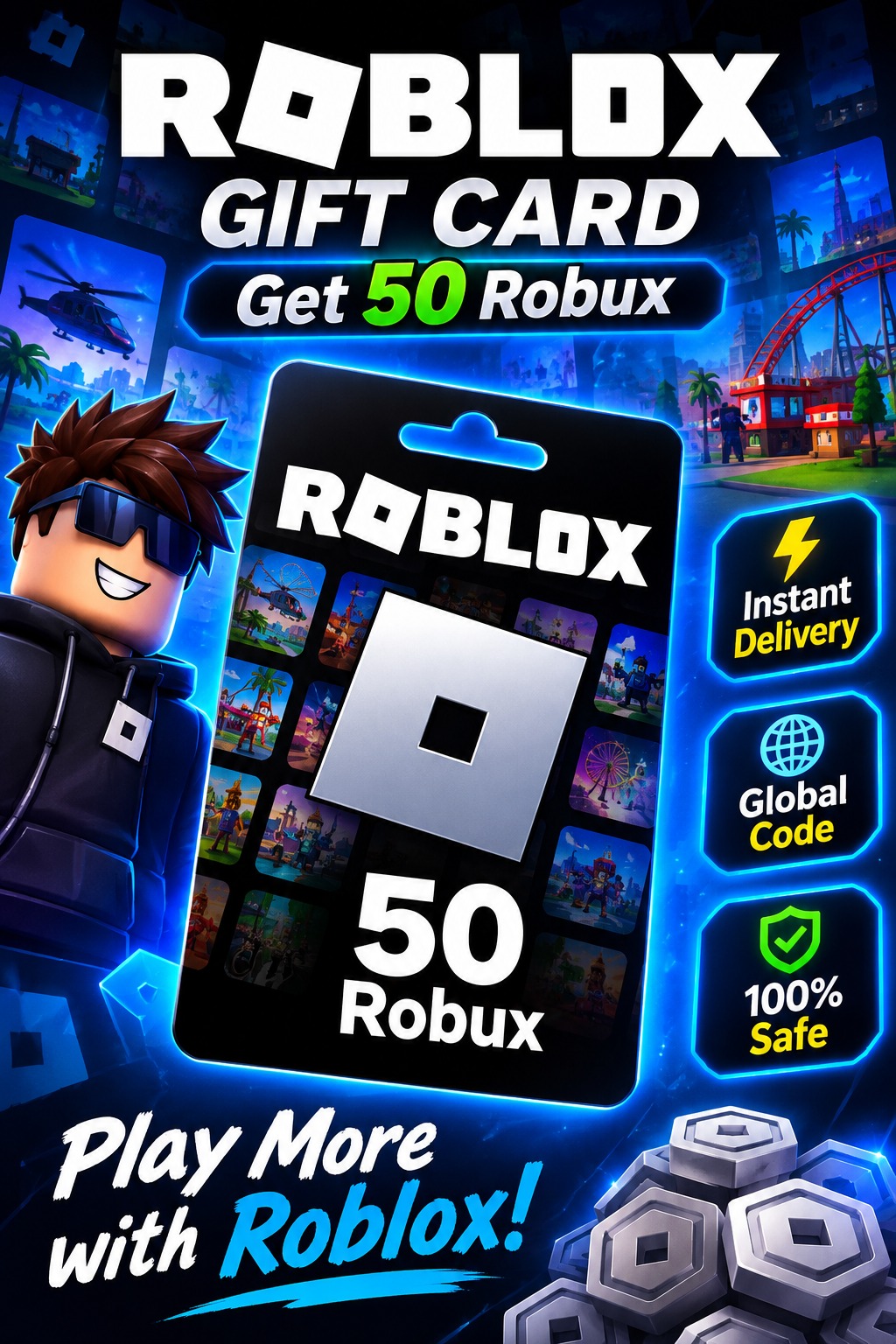
─ ⚙️ **ACTIVATION INSTRUCTIONS** ⚙️
1. Go to the official activation page: https://www.roblox.com/redeem
2. Log in to your Roblox account.
3. Enter the received code and click **Redeem**.
4. After activation, use your Roblox credit to purchase Robux.
─ ❗ **ERRORS** ❗
• If an unexpected error occurs, wait 10–30 minutes and try again.
• Avoid repeated attempts if Roblox displays a temporary error.
• Do not redeem more than 10 codes per hour.
─ 📢 **IMPORTANT** 📢
1. Record your screen from the moment of purchase until you attempt to redeem the code.
2. This gift card is intended for the **Global region**. Different regions may have different redemption options.
3. If you experience a problem, provide a video showing the redemption attempt and the error message.
✅ **Digital Code | Global Region | Fast ** 🎮
1. Go to the official activation page: https://www.roblox.com/redeem
2. Log in to your Roblox account.
3. Enter the received code and click **Redeem**.
4. After activation, use your Roblox credit to purchase Robux.
─ ❗ **ERRORS** ❗
• If an unexpected error occurs, wait 10–30 minutes and try again.
• Avoid repeated attempts if Roblox displays a temporary error.
• Do not redeem more than 10 codes per hour.
─ 📢 **IMPORTANT** 📢
1. Record your screen from the moment of purchase until you attempt to redeem the code.
2. This gift card is intended for the **Global region**. Different regions may have different redemption options.
3. If you experience a problem, provide a video showing the redemption attempt and the error message.
✅ **Digital Code | Global Region | Fast ** 🎮
Отзывов от покупателей не поступало